Everything you need to run compliant sessions and generate intelligence.
Branded registration pages
Give every webinar its own registration page in your brand, with a short form that captures the details your team needs and sends a joining link straight away.
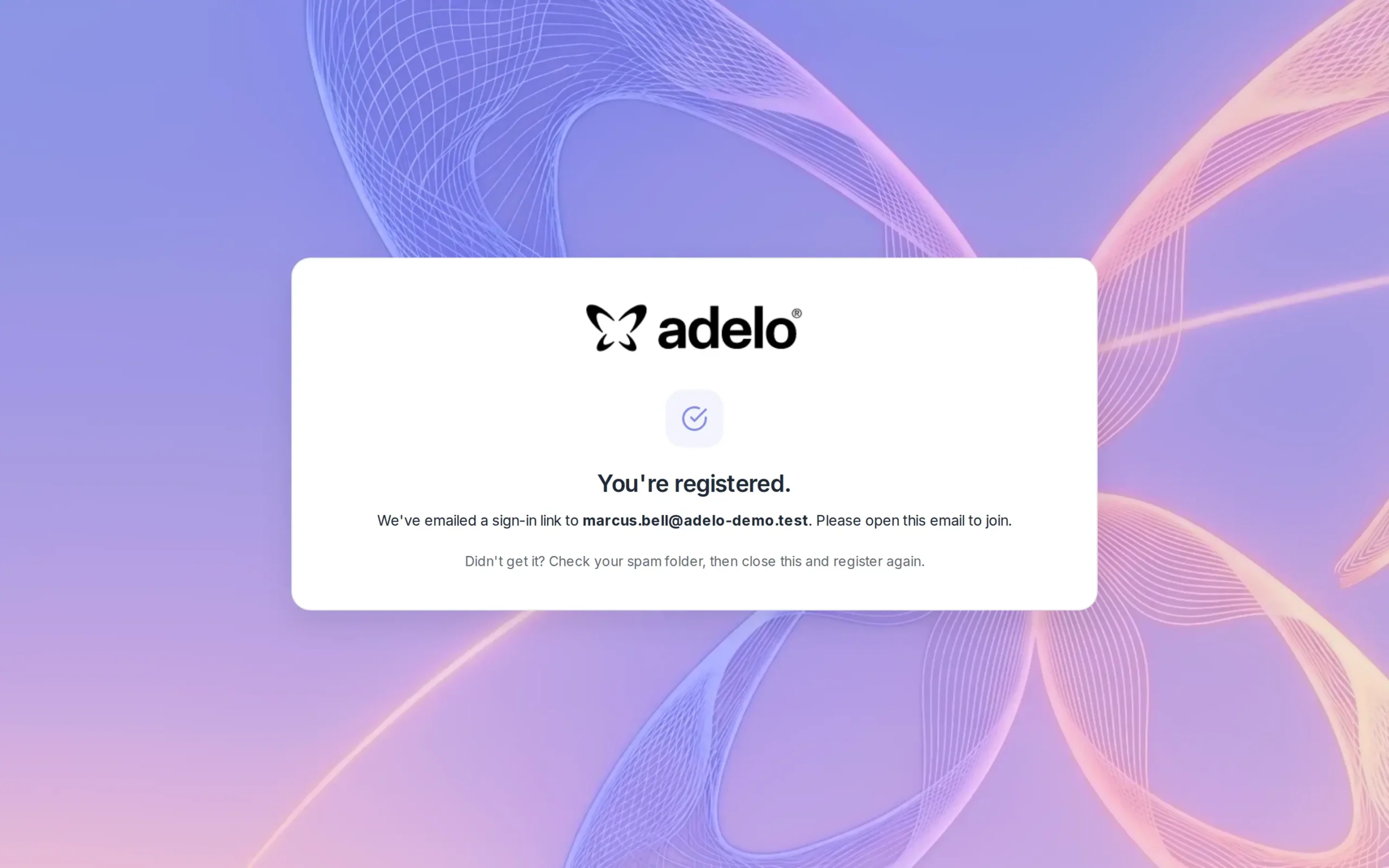
Instant registration confirmation
Registrants see a clear confirmation and receive a personal one-click joining link by email, so no passwords to remember and fewer no-shows.
Branded, fully custom confirmation emails
Every webinar sends its own confirmation with the date, time and a one-click access button. Use the clean default or design it exactly how you want, with your own artwork, colors and button style.
A welcoming pre-event lobby
Attendees land in a branded lobby with the session details, agenda and speakers, so they are engaged before the webinar even starts.
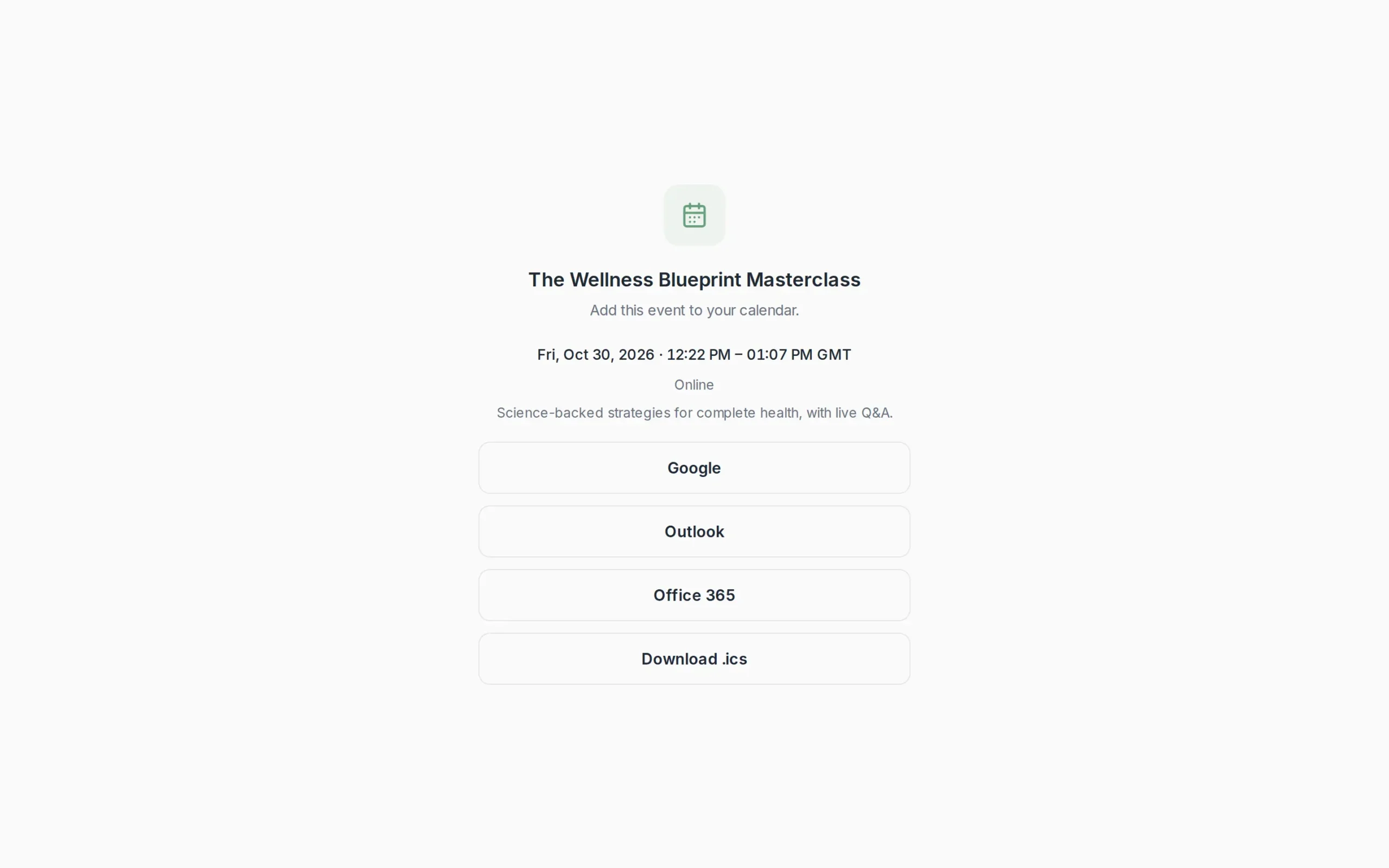
One-click add to calendar
One link adds the webinar to Google, Outlook, Office 365 or any calendar app, helping more registrants turn up on the day.
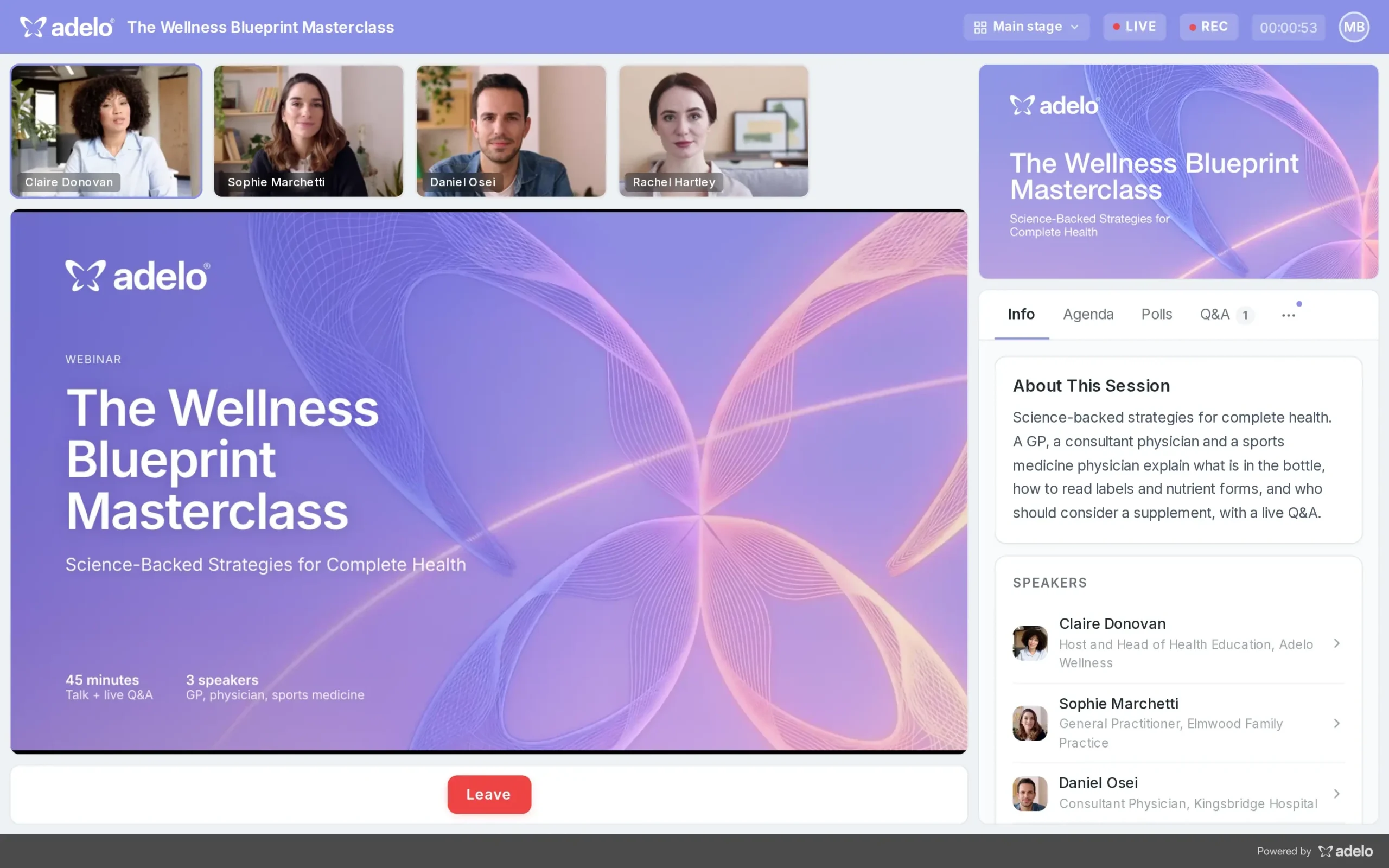
A professional live webinar room
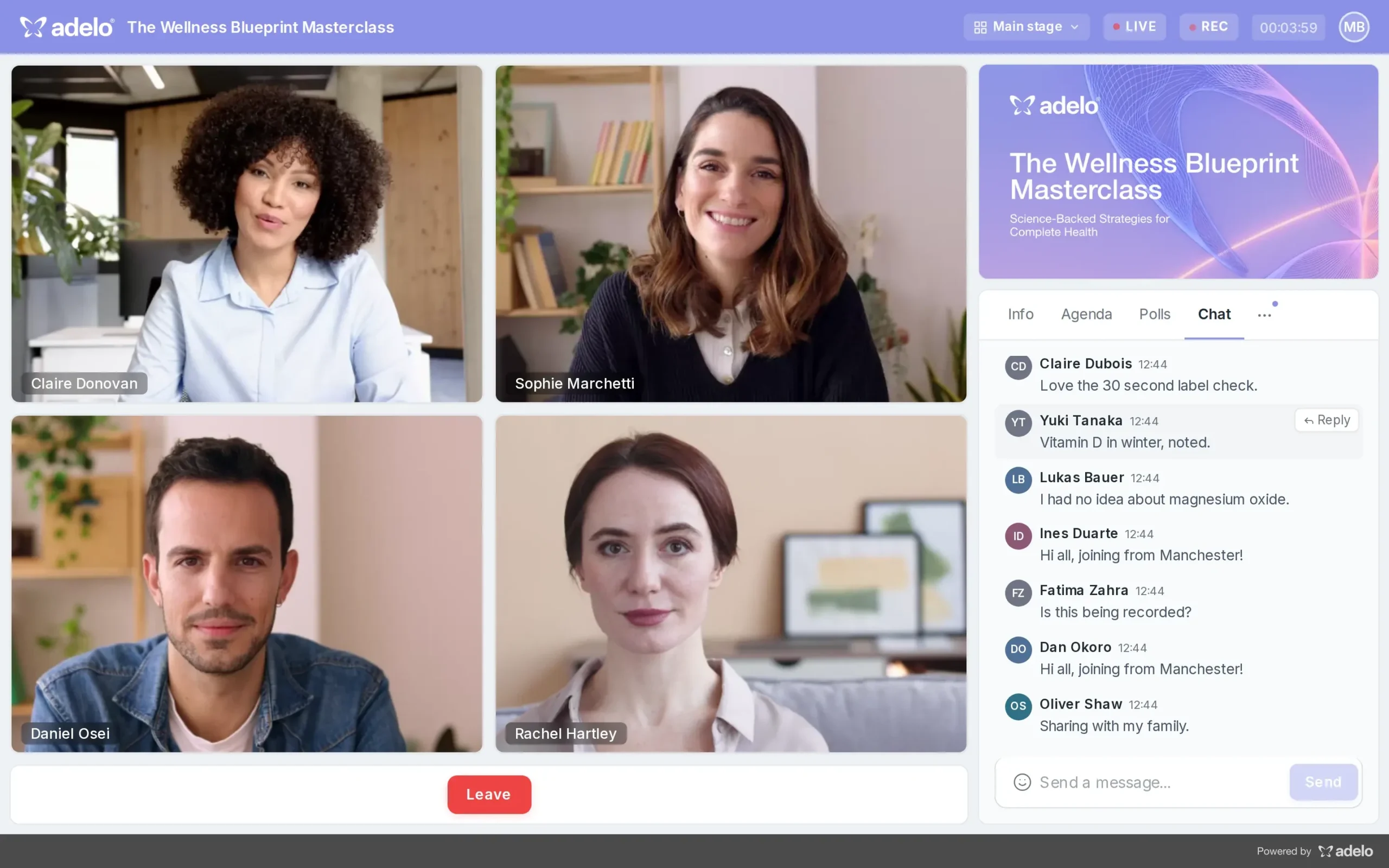
Speaker cameras, slides and an engagement panel in one clean, branded room that works in the browser, with nothing for attendees to download.
Live chat alongside the slides
The audience chats in real time next to the presentation, without covering the slides, so conversation flows while speakers present.
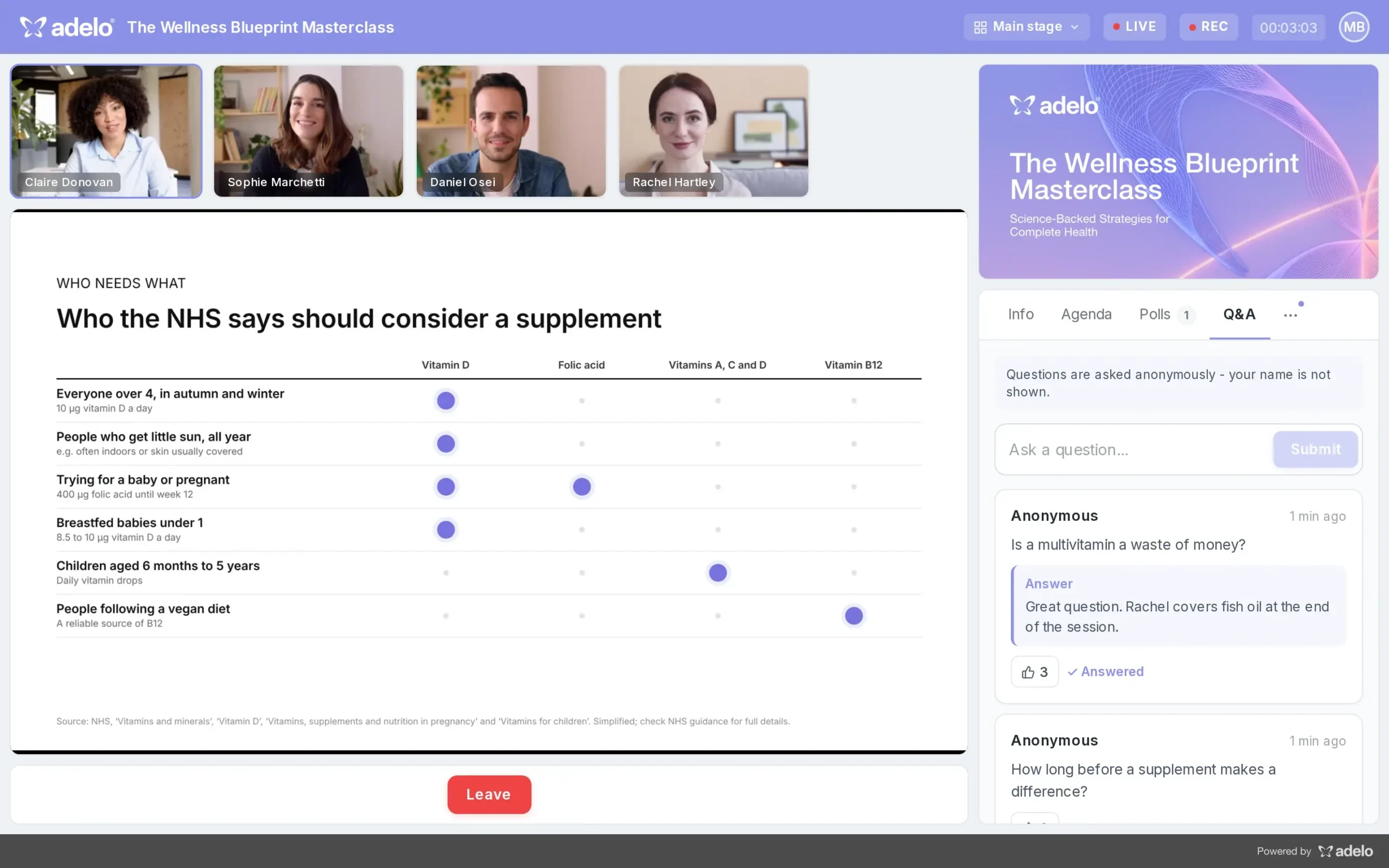
Live Q&A with upvoting
Attendees ask questions and upvote the ones that matter most, and written answers appear under each question for everyone to see.
Panel discussions with multiple speakers
Bring several experts on stage at once for panels and roundtables, with the chat and Q&A running alongside the whole time.
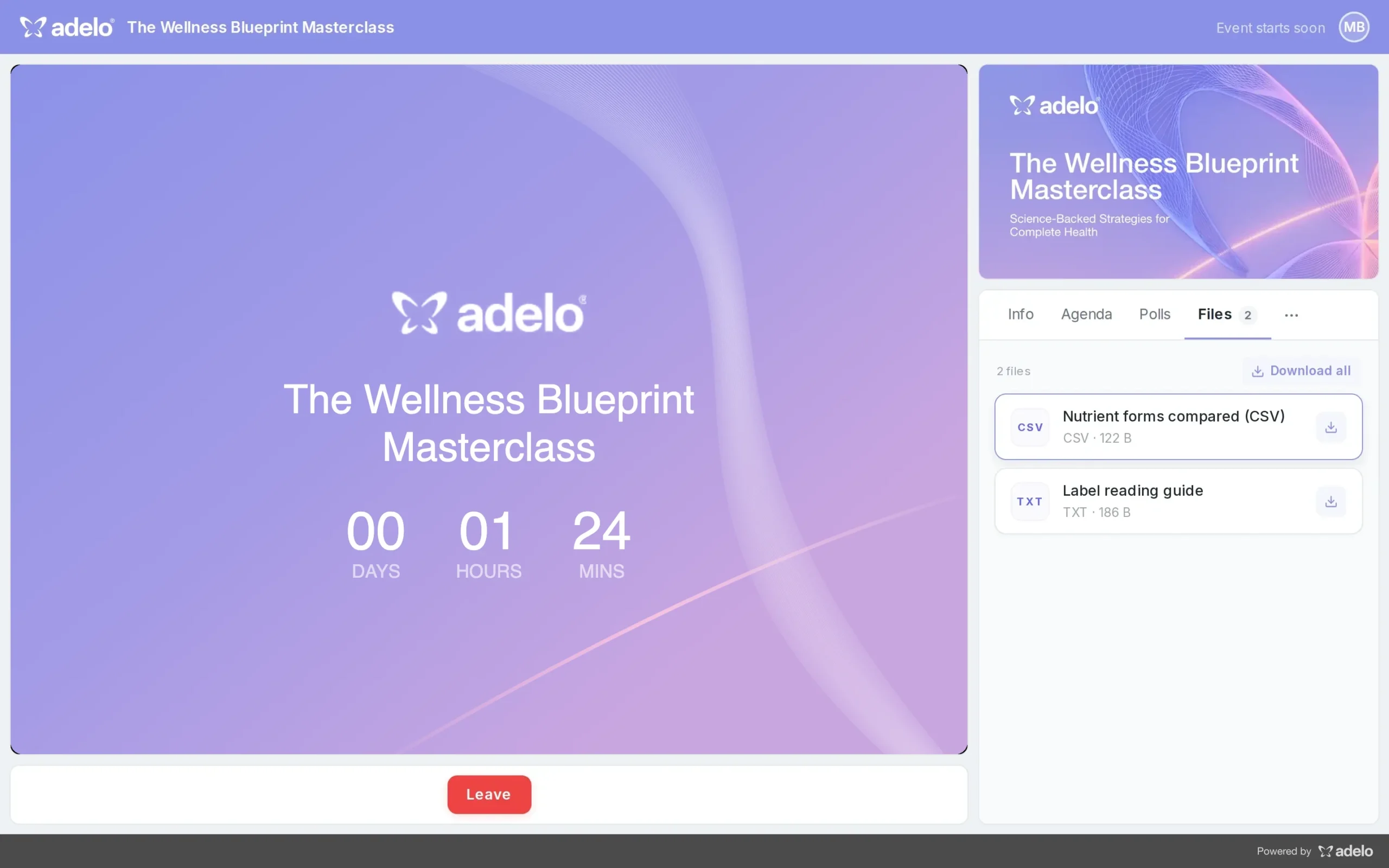
Resources ready to download
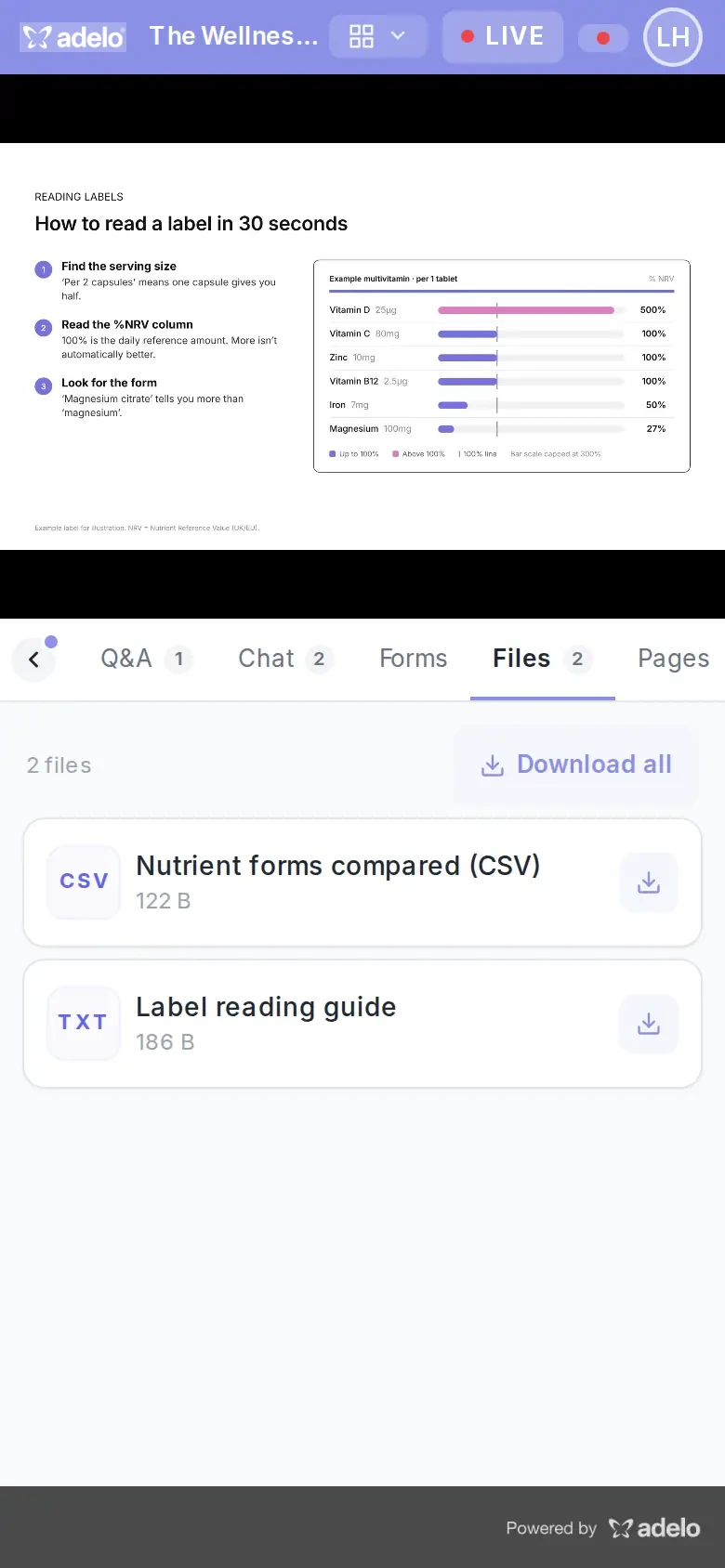
Share slides, handouts and references in the engagement panel so attendees can download them before, during or after the session.
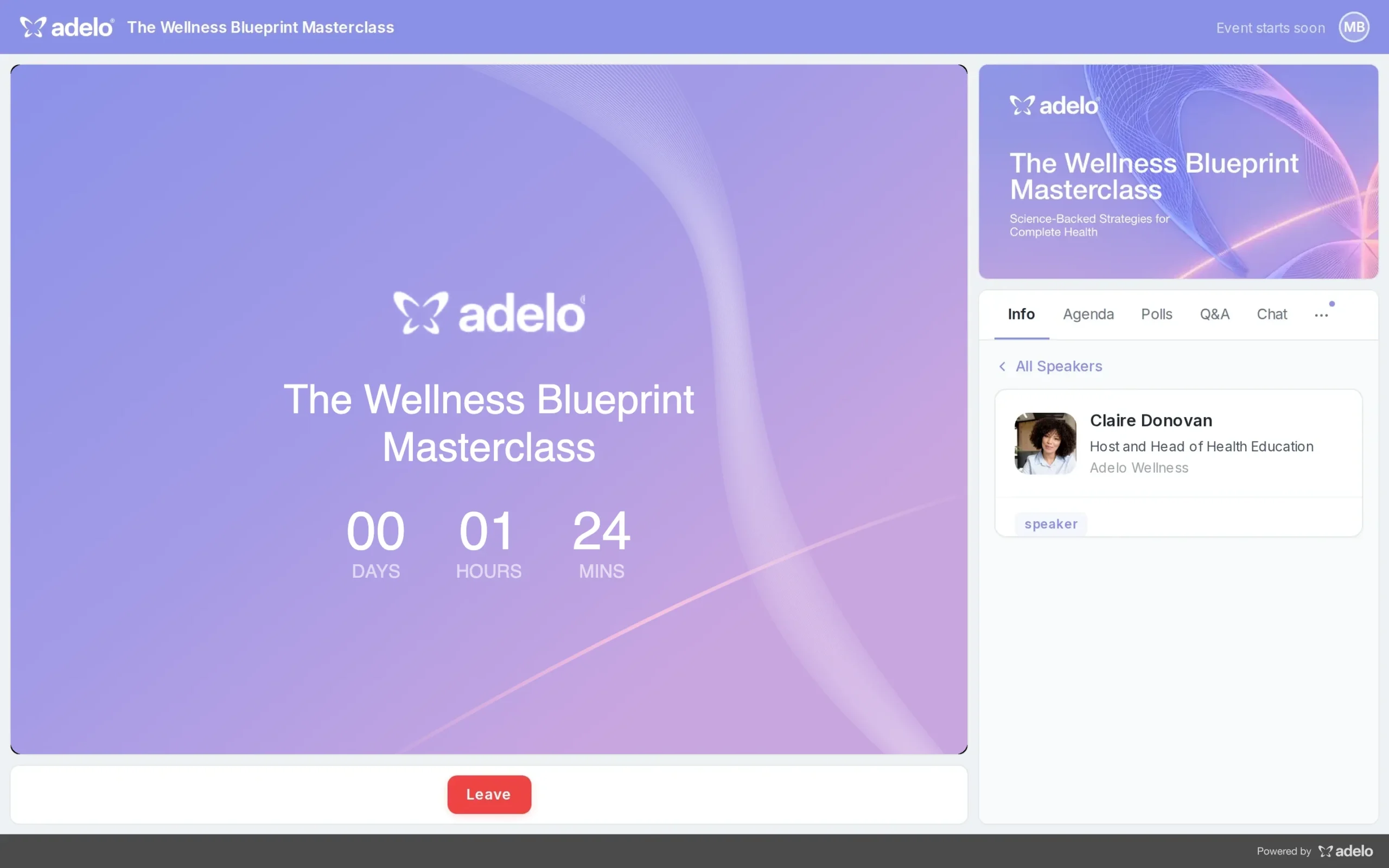
Speaker profiles that build trust
Attendees can open each speaker's profile to see their role and organization, so they know exactly who they are hearing from.
On-demand replays with the chat kept
After the live session, attendees can watch the recording with the original chat alongside, so your content keeps working long after the event.
Mobile registration in seconds
The registration page adapts to any phone, so people can sign up straight from an email, text or social post.
The lobby on any phone
On mobile the stage sits on top with the session details, agenda and speakers underneath, ready before the webinar starts.
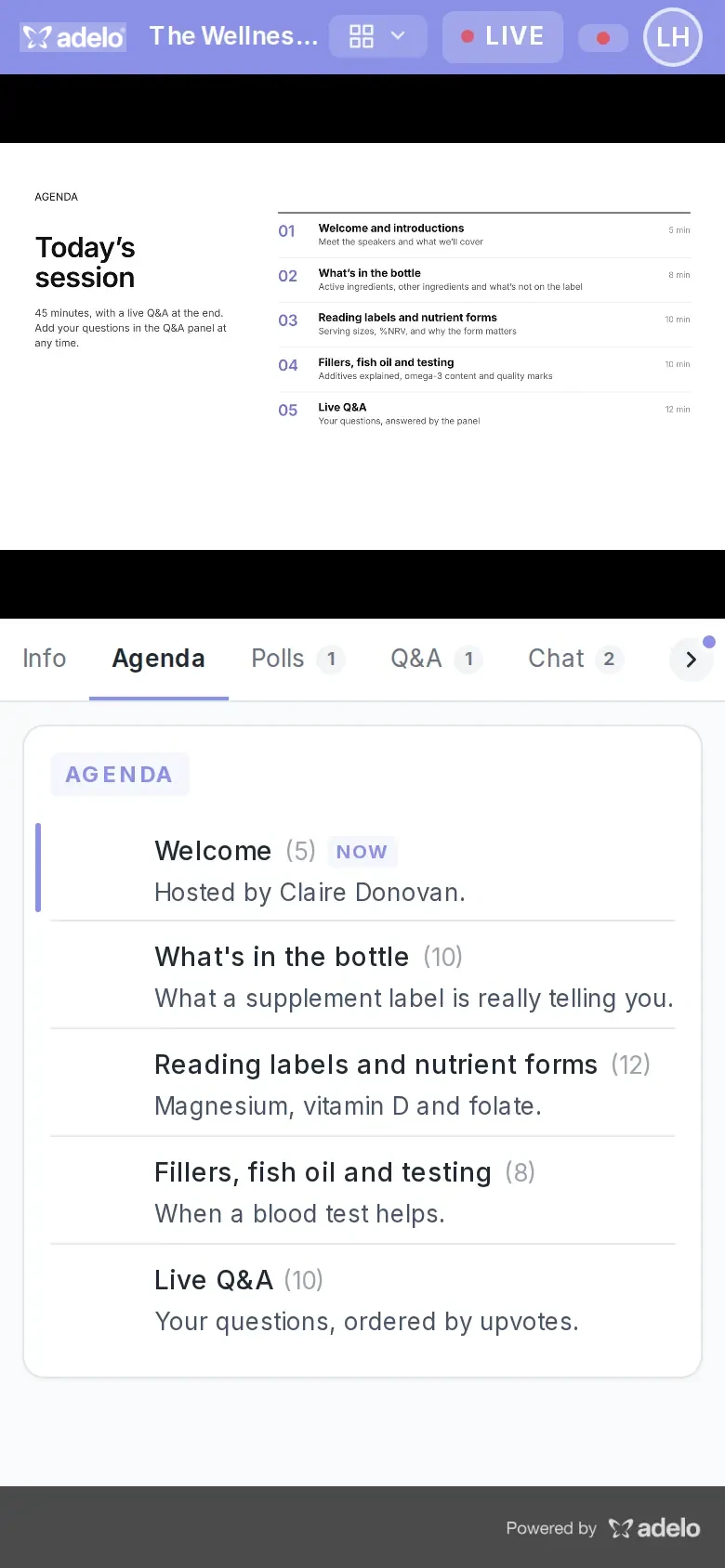
Join live from a phone
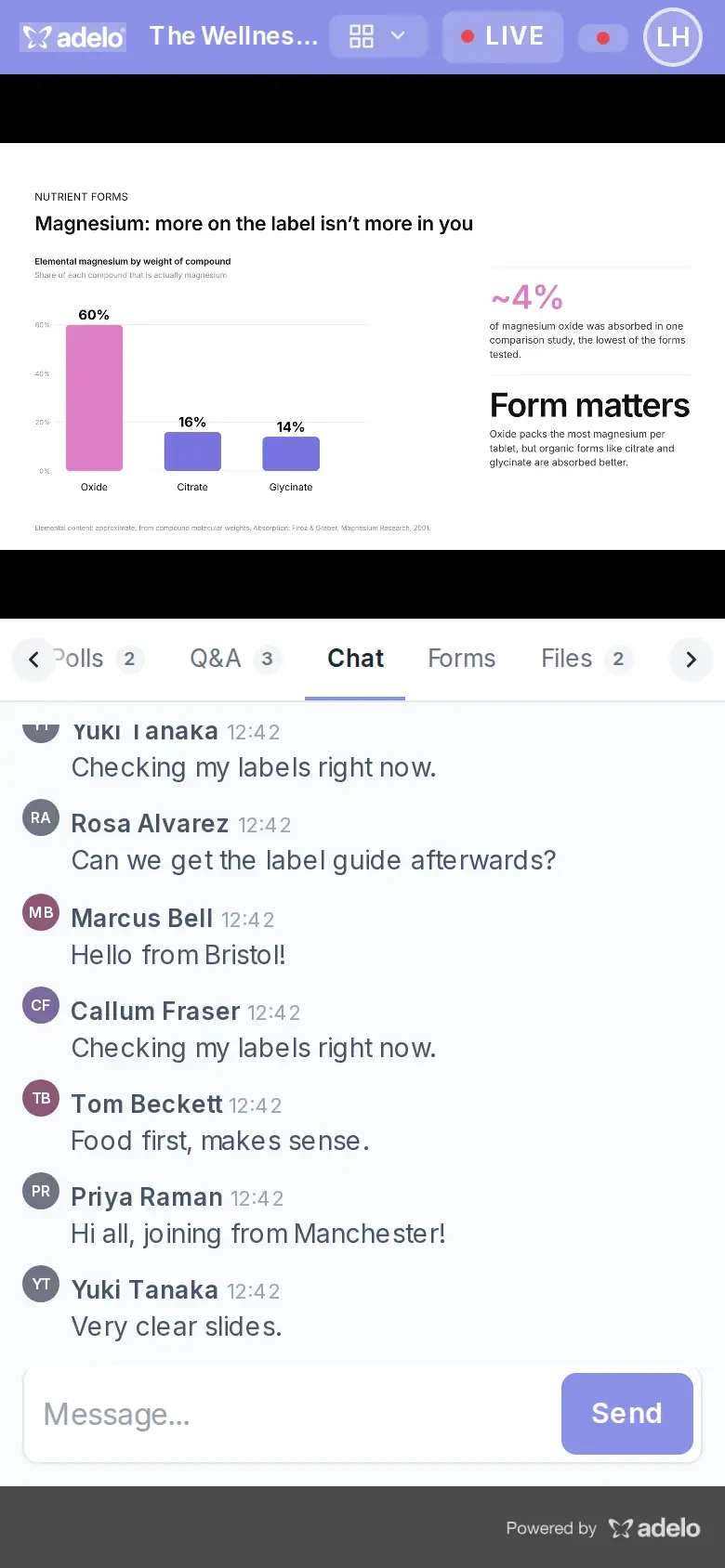
The full live webinar works on mobile, with the stage on top and the agenda, chat and Q&A tabs below it.
Polls that work on mobile
Attendees vote with one tap on their phone and see the results straight after, so every voice in the audience counts.
Q&A from the palm of your hand
Mobile attendees can ask questions and upvote others, so nobody misses the chance to get their question answered.
Mobile chat that keeps people talking
The full chat runs on a phone, so remote and on-the-go attendees can join the conversation in real time.
Feedback forms on any device
Mid-session forms open right in the panel on a phone, so you collect feedback while the session is still fresh.
Downloads on mobile too
Slides and resources download straight from the panel on a phone, so attendees can take your content with them.
Launch a branded webinar in minutes
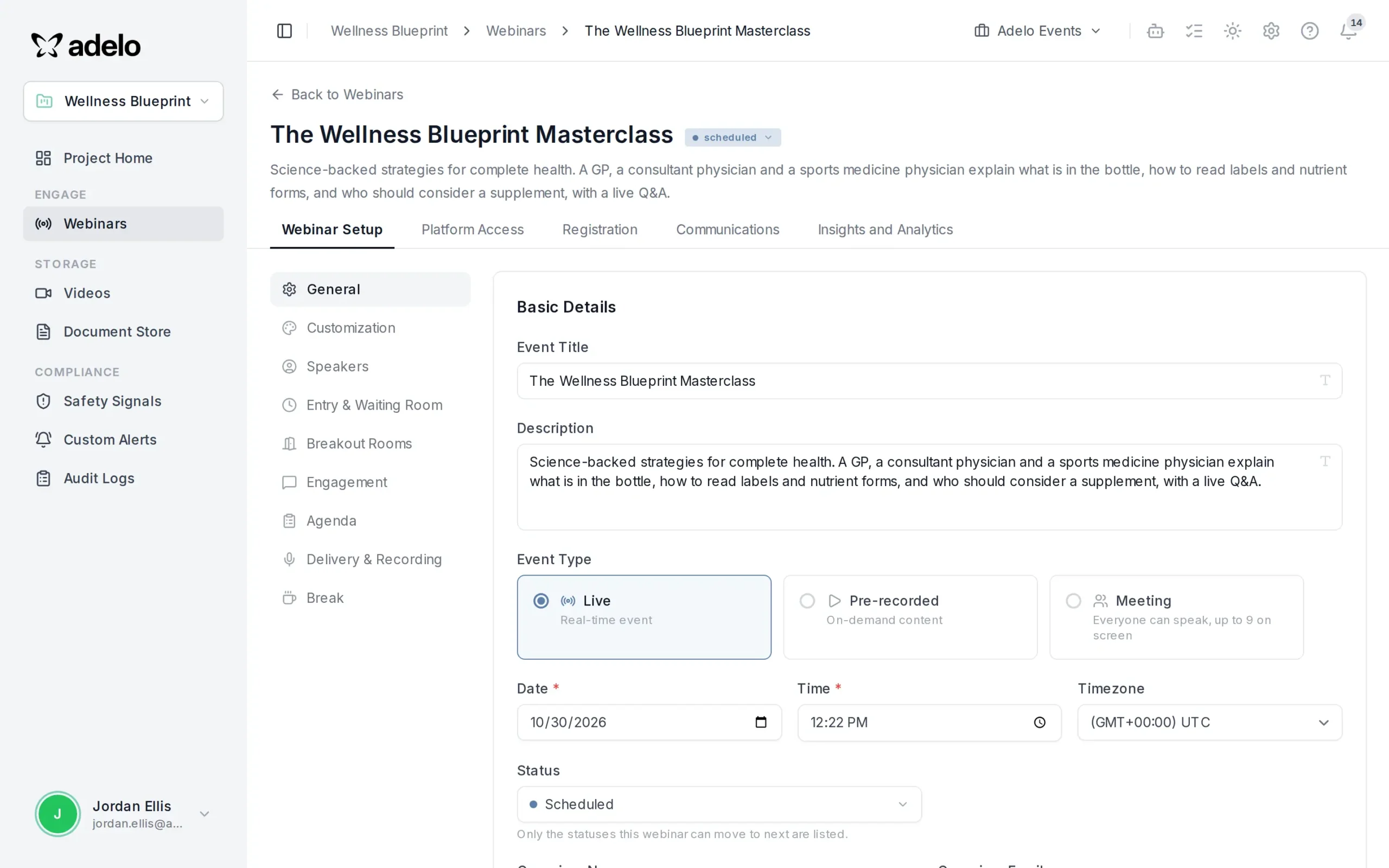
Set the title, format, date and time zone on one screen and go from idea to a live HCP or patient webinar in minutes, with no agency or IT ticket.
Your brand on every event
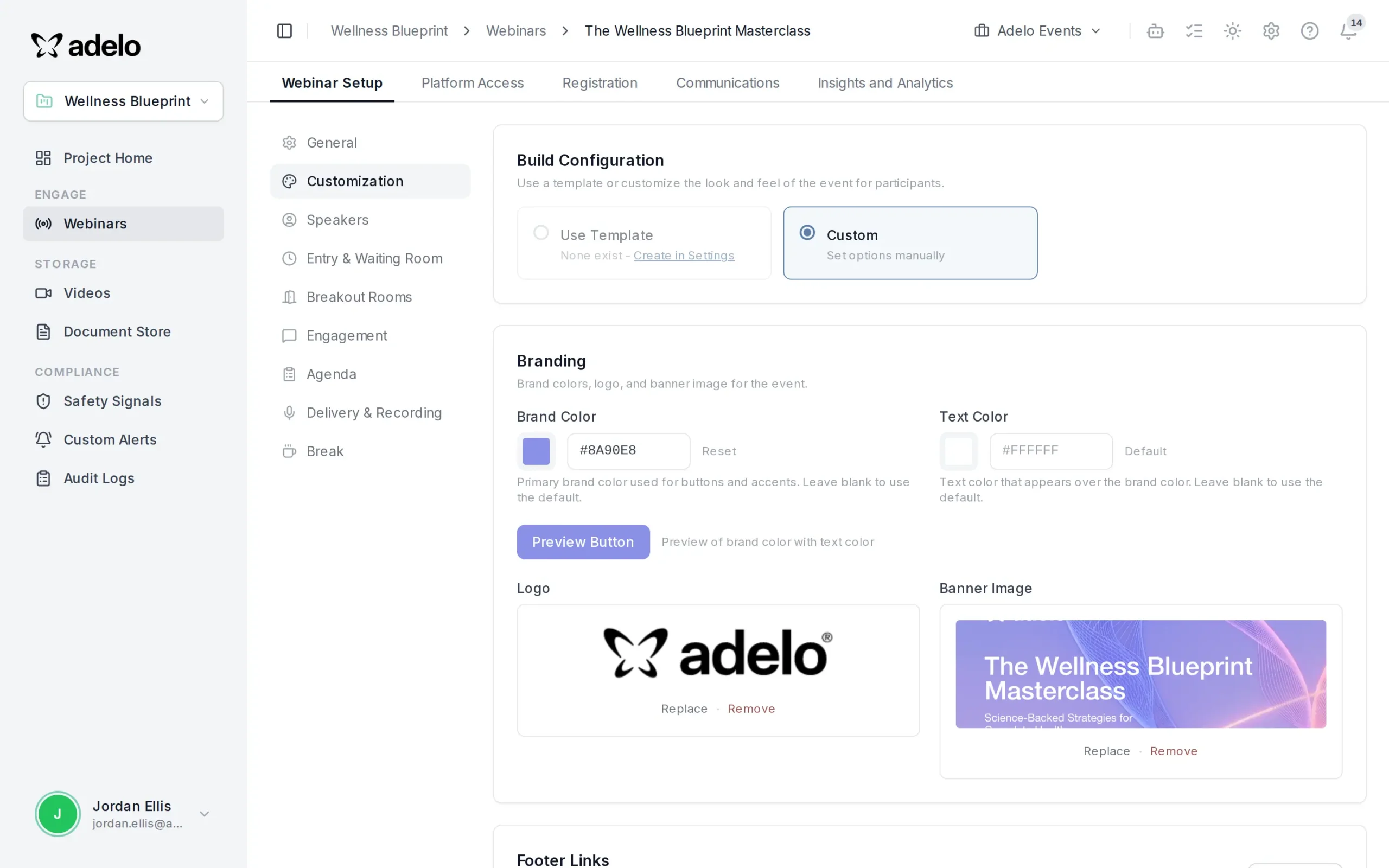
Add your logo, colors and banner once, and every registration page, lobby and live room matches it. Run separate brands and therapy areas side by side.
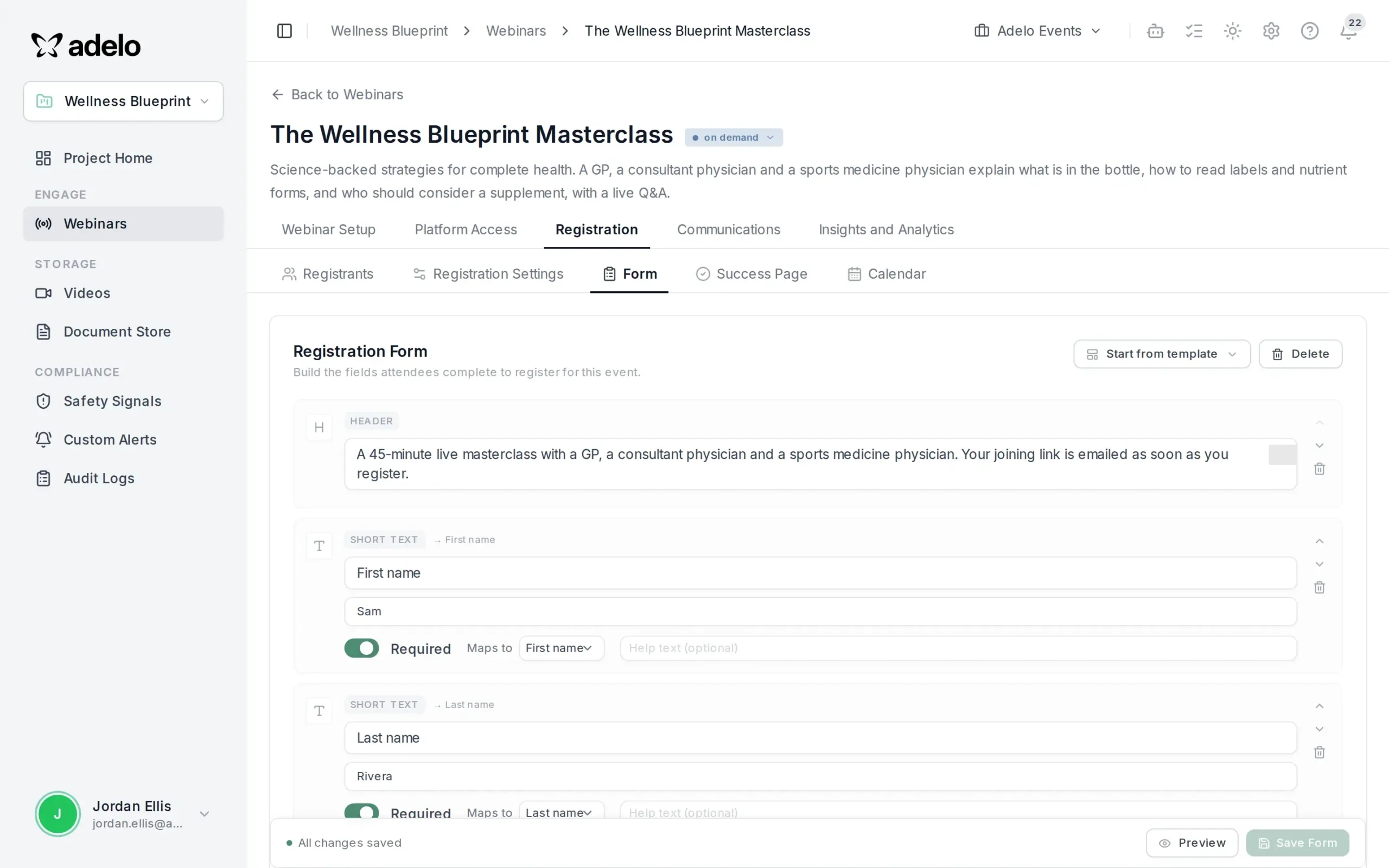
Registration forms that qualify your audience
Build the form field by field, with consent, specialty and custom questions, and see a live preview of exactly what registrants will fill in.
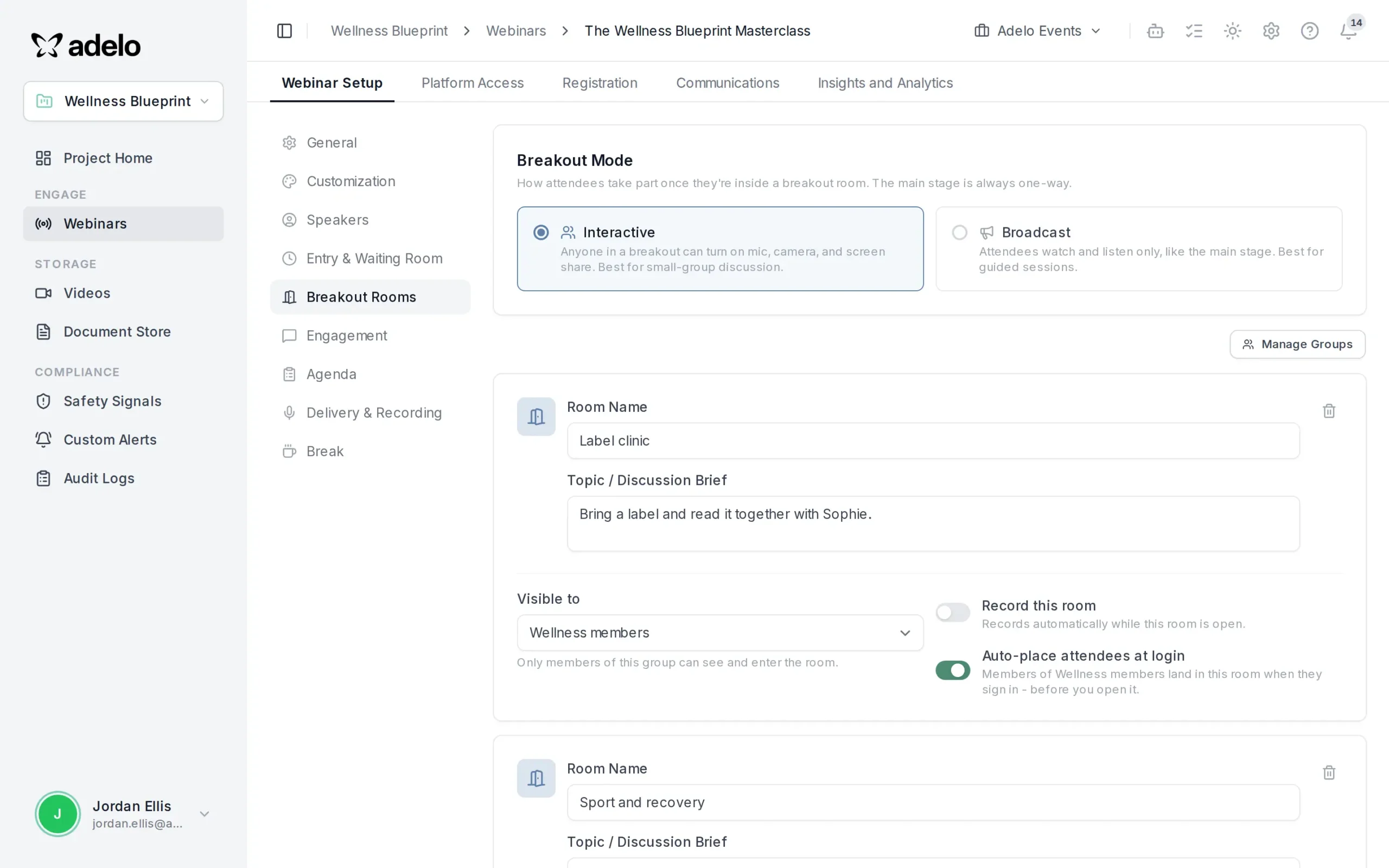
Breakout rooms, planned in advance
Set up small-group rooms with topics, hosts and audiences before you go live, so workshops and advisory boards run themselves on the day.
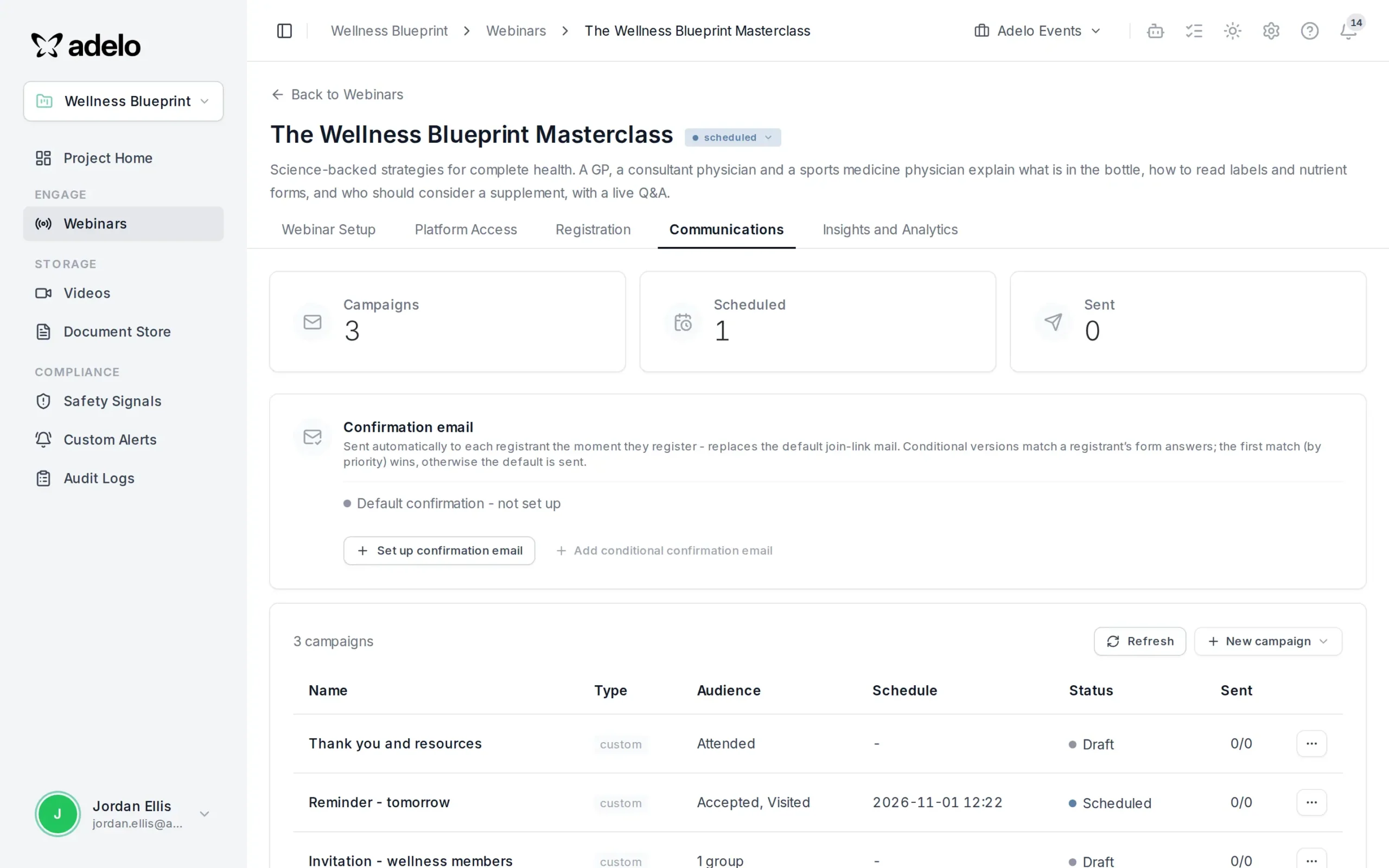
Email campaigns that fill every seat
Schedule branded invitations, reminders and thank-you emails for each webinar, and track what was sent from the same place you run the event.
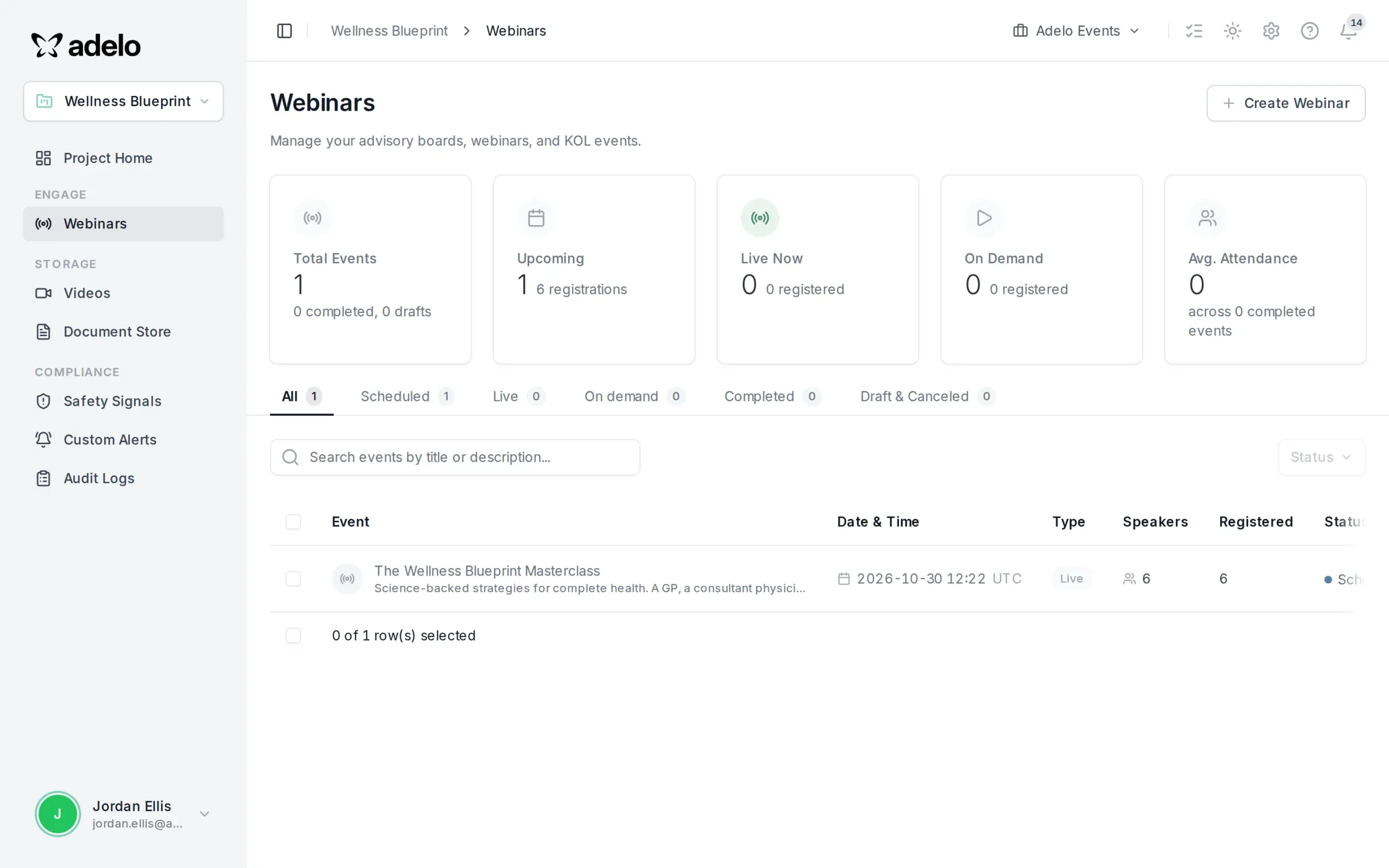
Every program in one dashboard
See upcoming, live and on-demand webinars, registrations and attendance for each program at a glance, with separate settings for every brand.
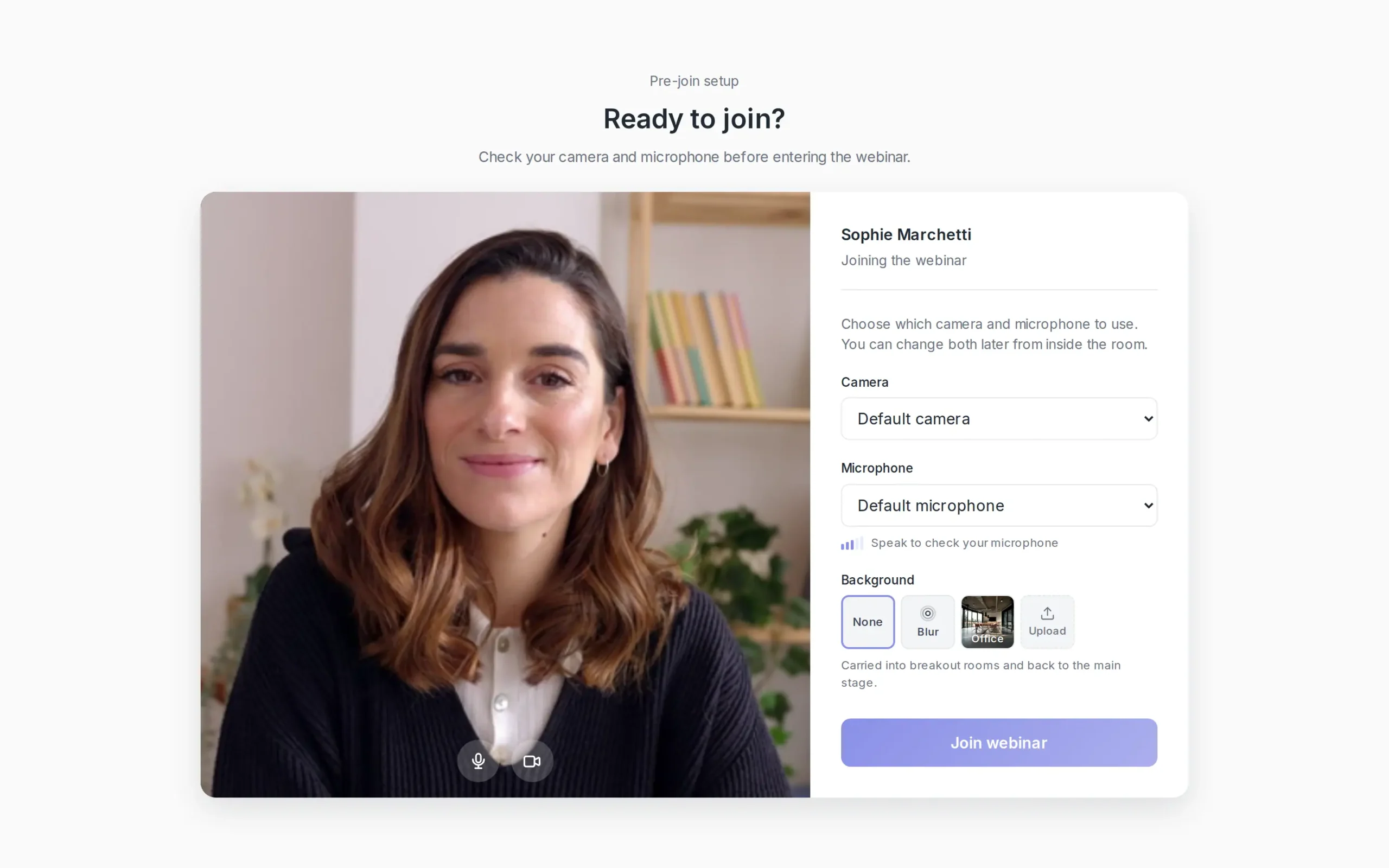
Camera and mic checks for speakers
Speakers test their camera, microphone and background before joining, so nobody goes live with the wrong device.
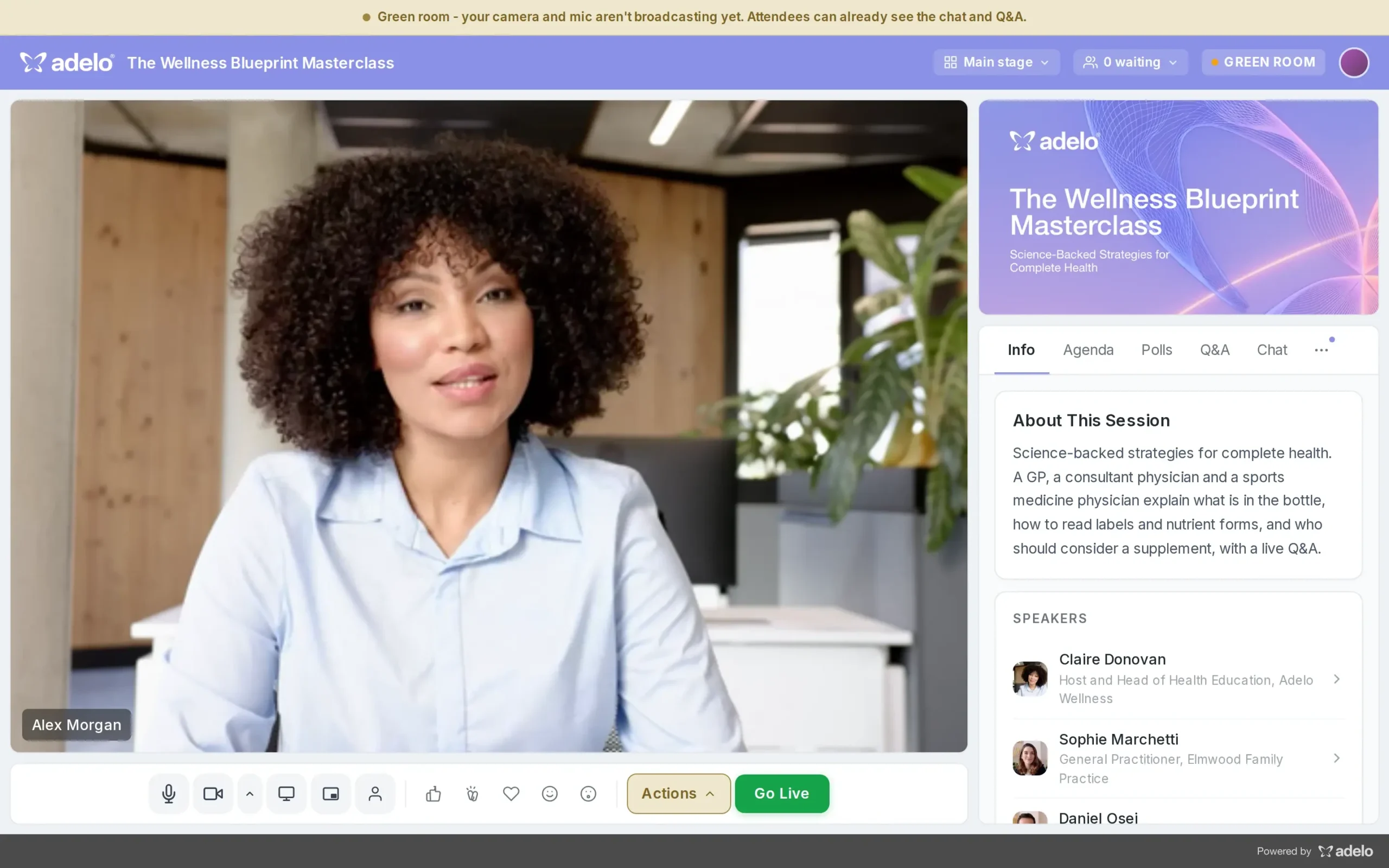
A green room before you go live
Hosts and speakers meet backstage, check how they look on stage and go live together with one click when everyone is ready.
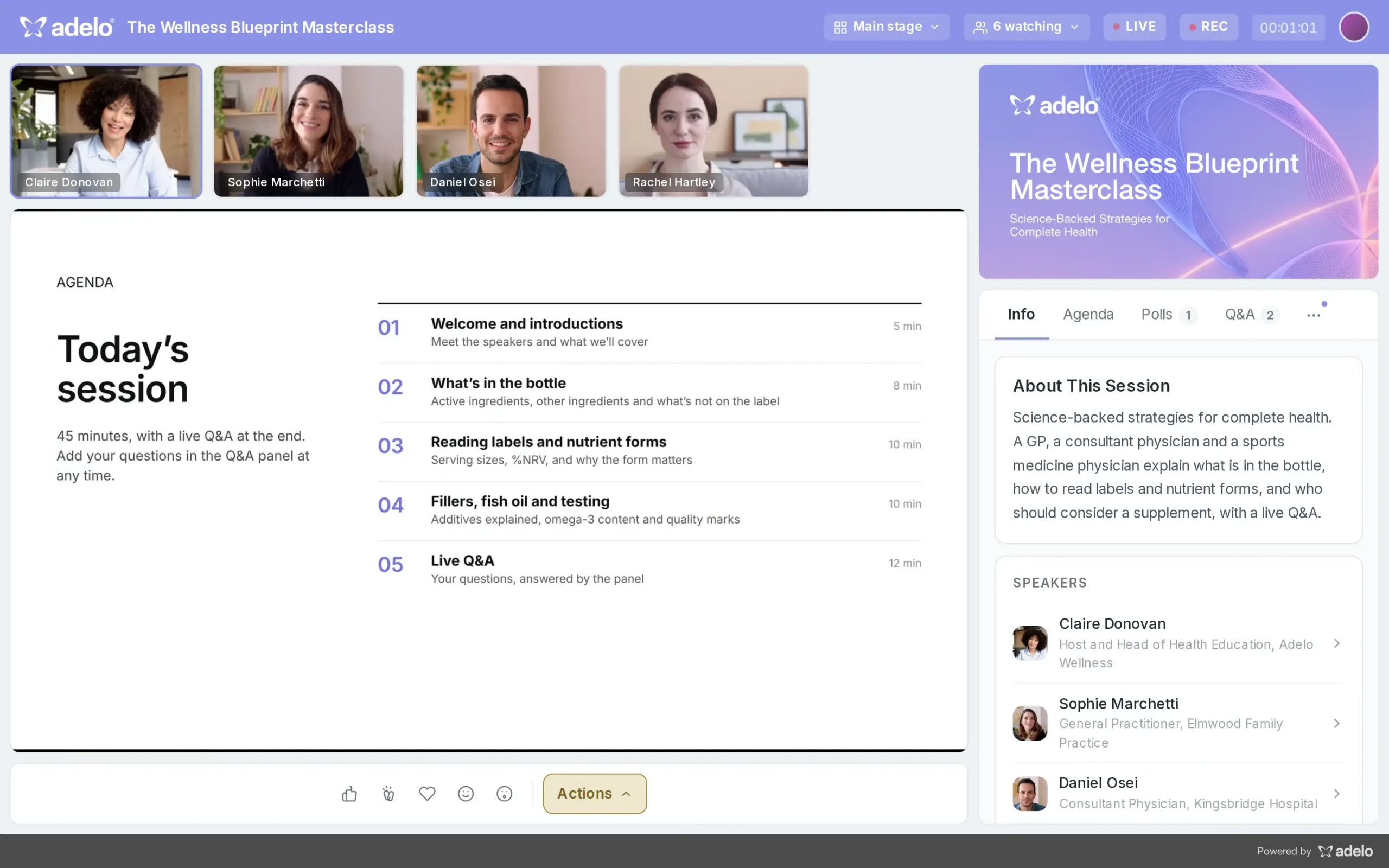
Host controls built into the stage
Run the whole session from the stage, with reactions and session actions underneath while your speakers present.
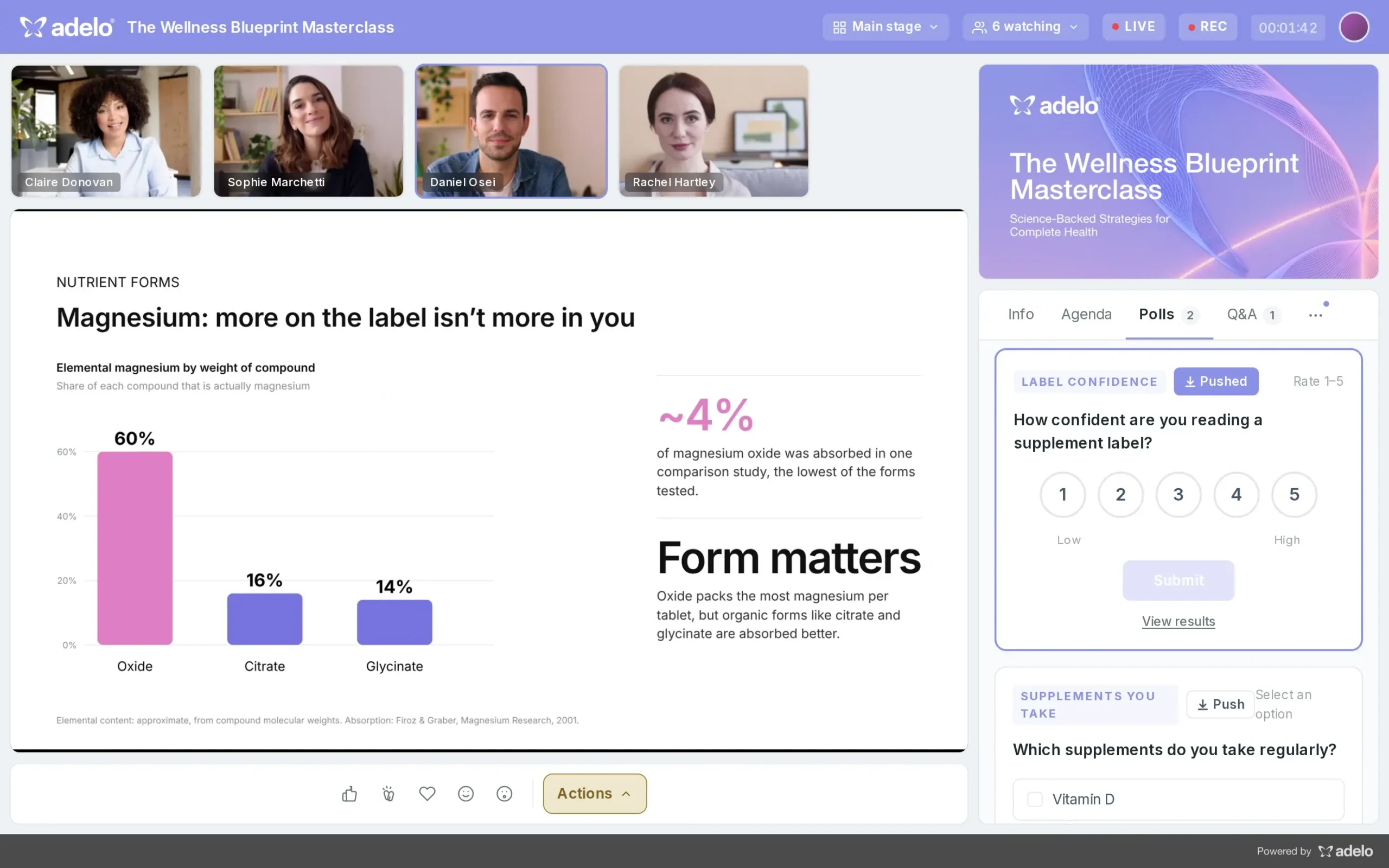
Push live polls with one click
Prepare polls in advance and launch them to the audience at exactly the right moment, then watch the responses roll in.
Answer questions in front of everyone
Reply to audience questions in writing during the session, and every answer appears under the question for the whole room.
Collect feedback mid-session
Send a form to everyone while the session is live and see responses count up as they arrive.
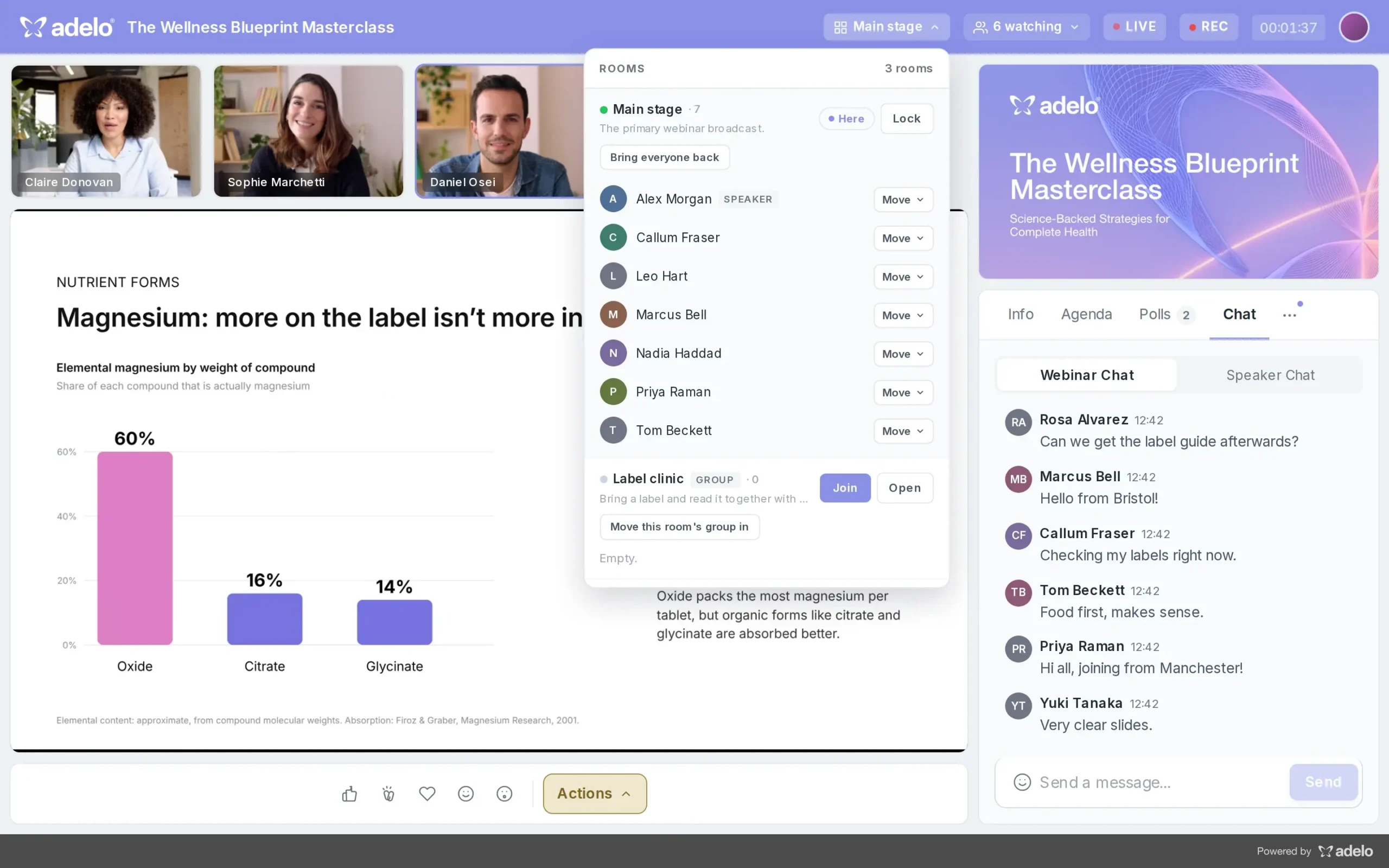
Move people between rooms
Send attendees from the main stage into breakout rooms and bring everyone back together, all from one menu.
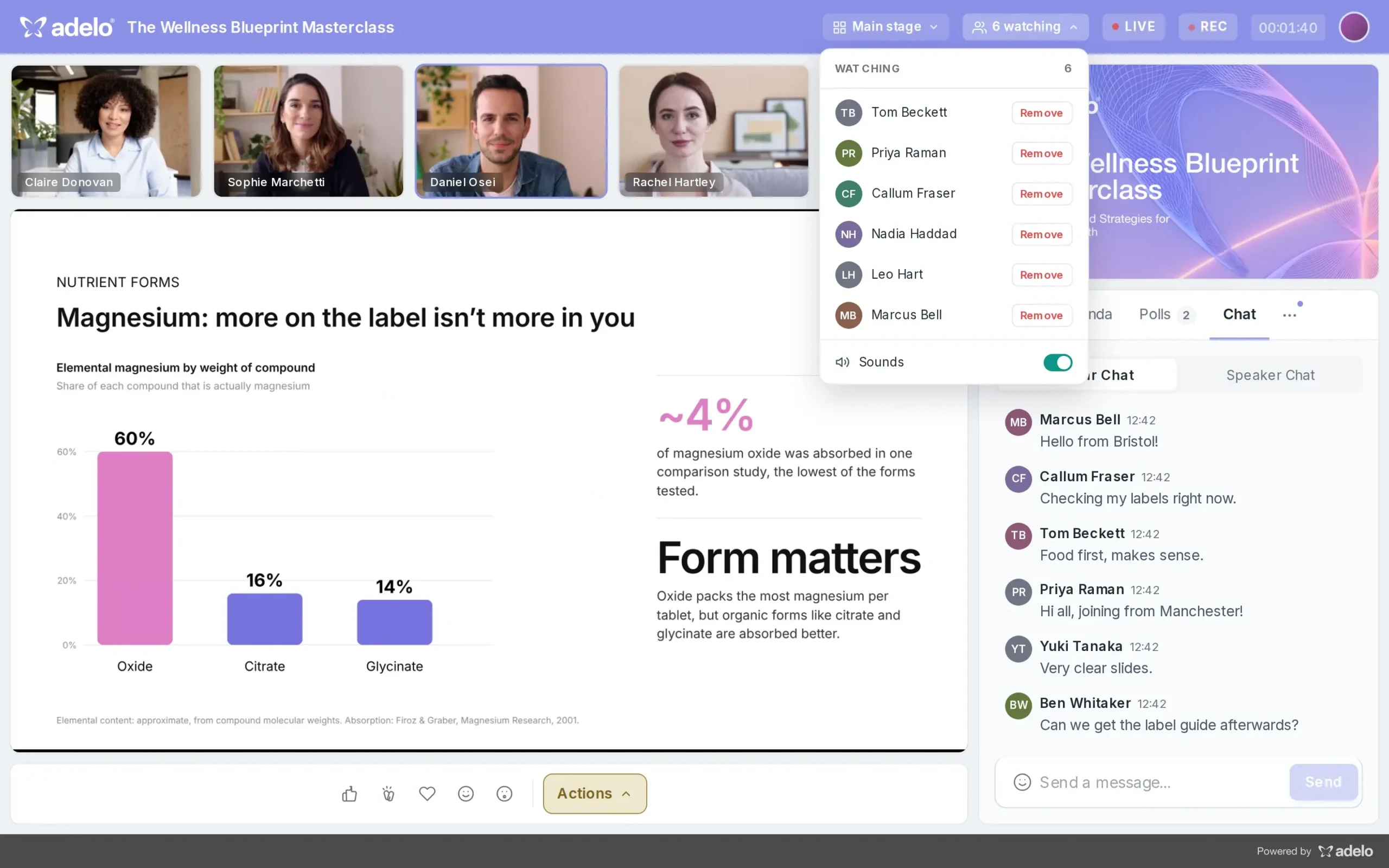
See who is in the room
Know exactly who is watching and who is waiting to join, so you can start on time and manage the room with confidence.
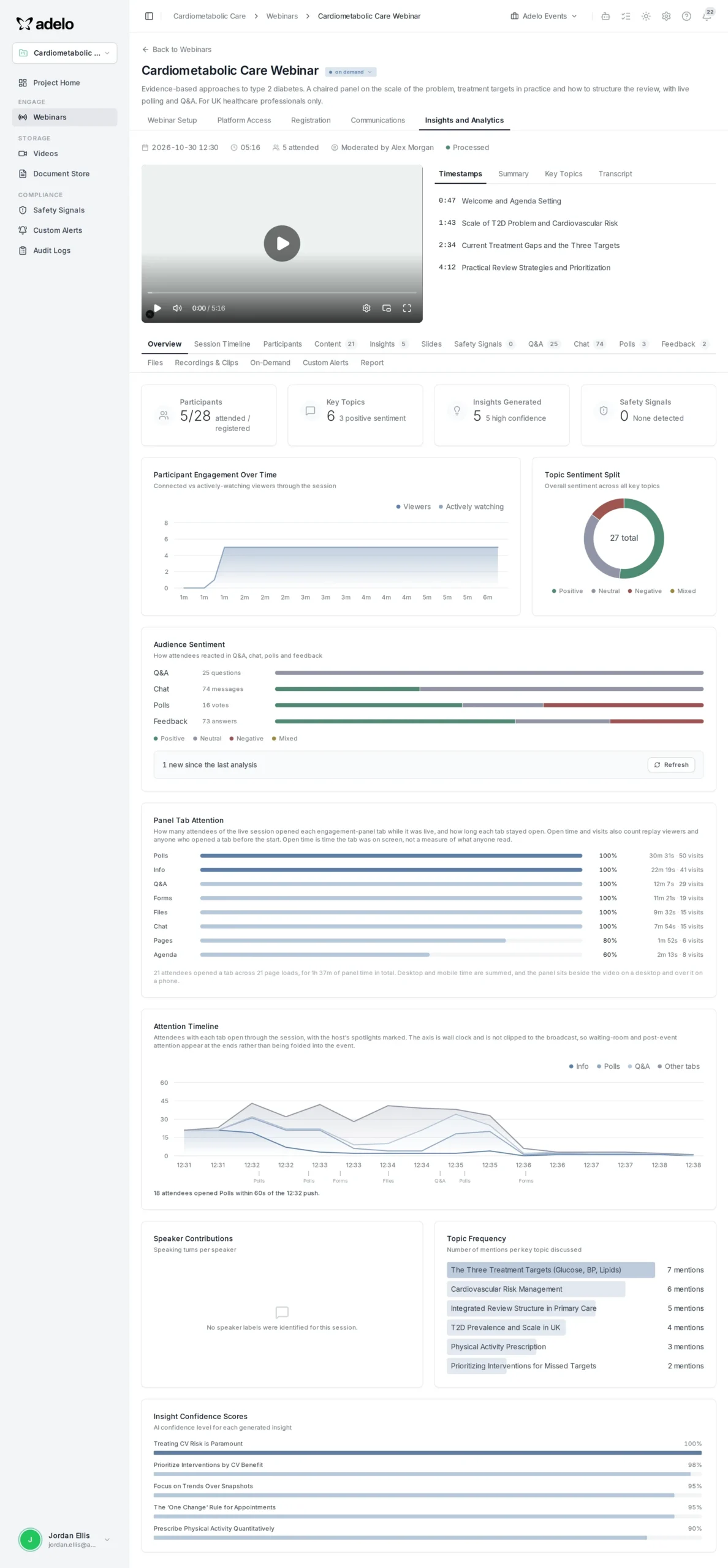
Webinar analytics at a glance
See attendance, engagement over time, audience sentiment and which panels people used, all on one dashboard the moment the session ends.
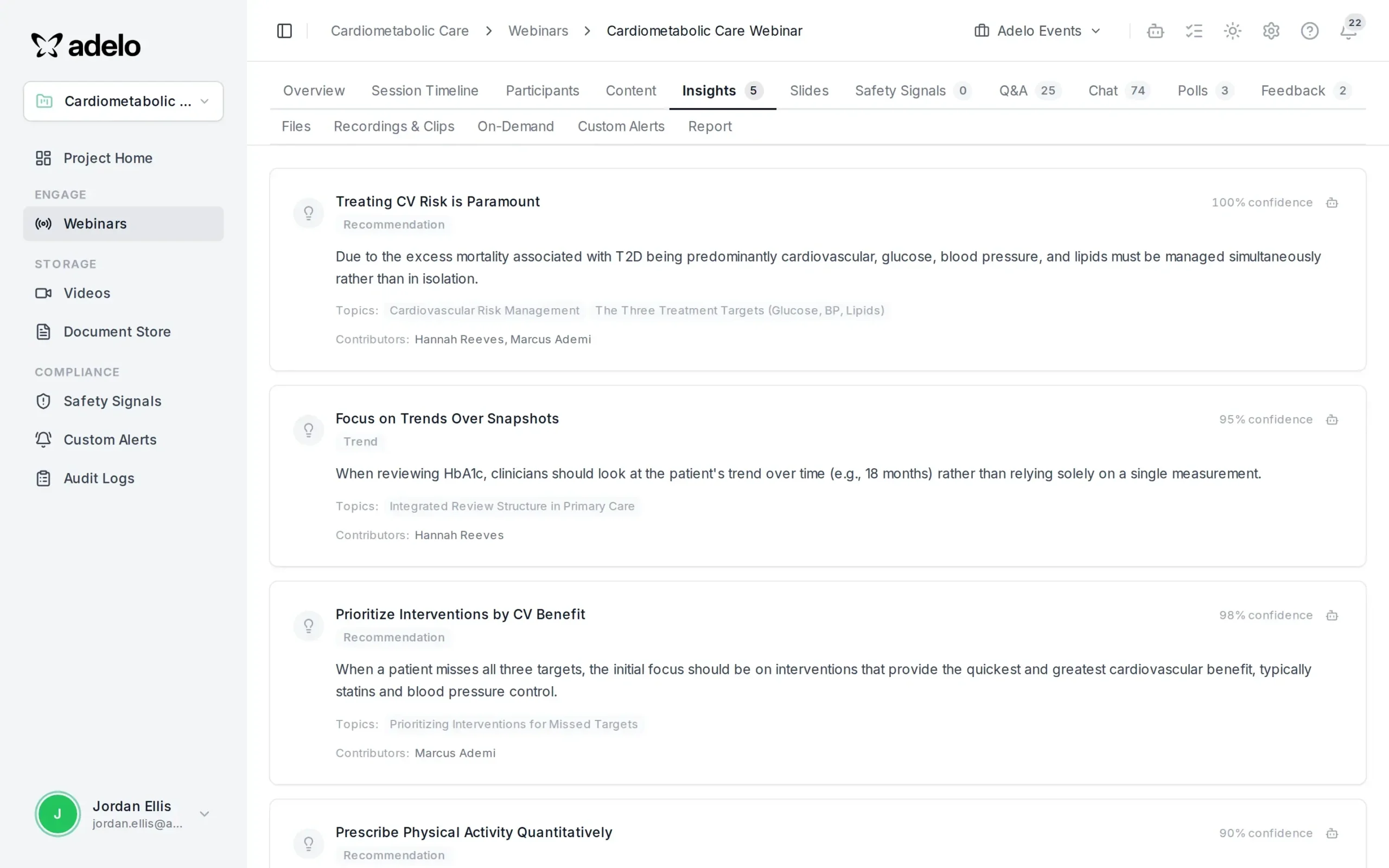
AI insights from every session
AI turns what was said and asked into clear recommendations and trends, with confidence scores and links back to the speakers who made each point.
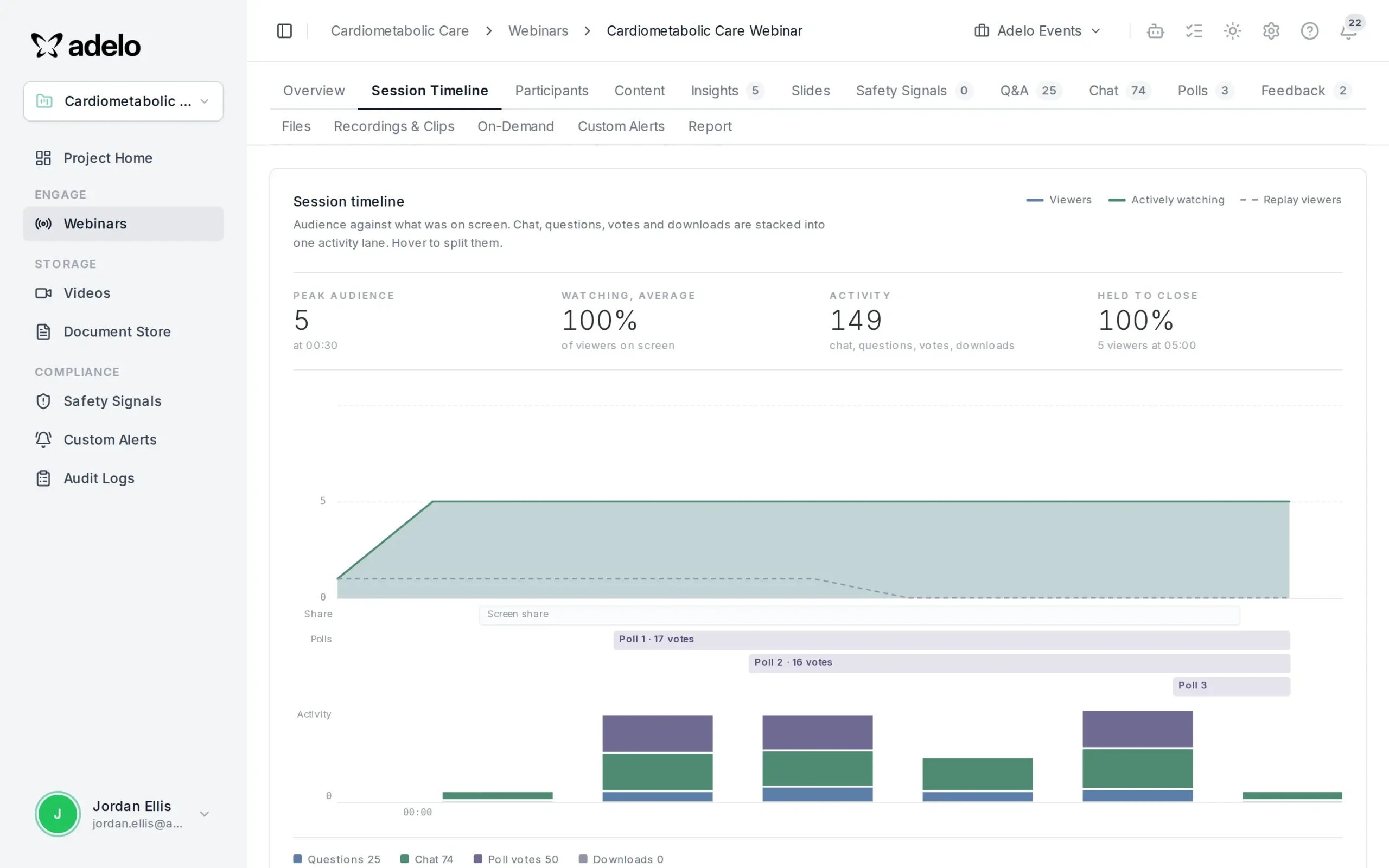
A minute-by-minute session timeline
See exactly when viewers joined, watched and engaged, lined up against polls, chat and questions, to learn which moments landed.
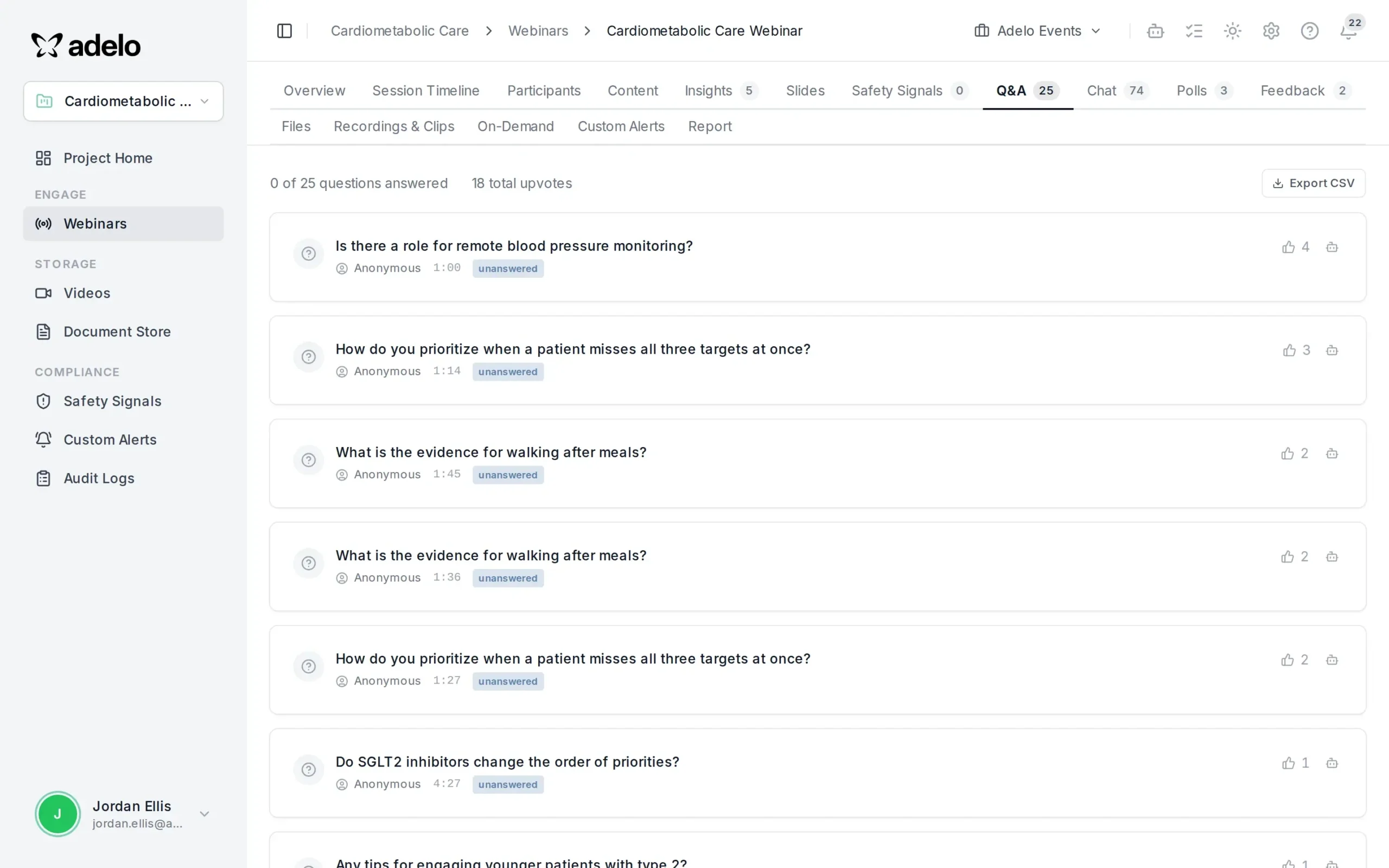
Every audience question, captured
All questions are saved with their upvotes and timestamps, so you know exactly what your audience wanted to learn more about.
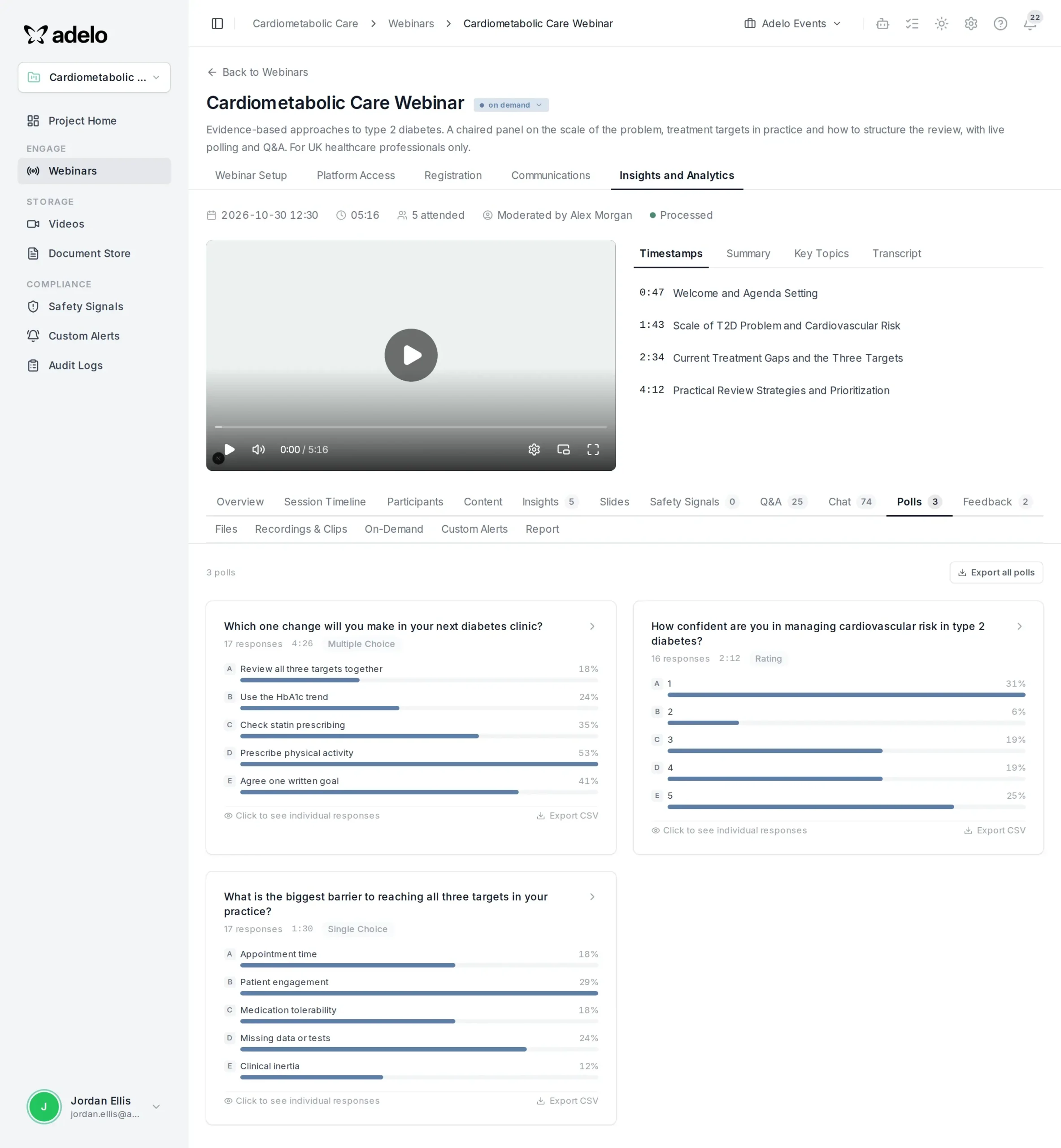
Poll results and timestamps
Review every poll with its responses next to the recording and timestamped topics, ready to share with your team.
Automatic event reports
Get an AI-written session report with an executive summary and key findings, ready to download as PDF or Word for stakeholders.
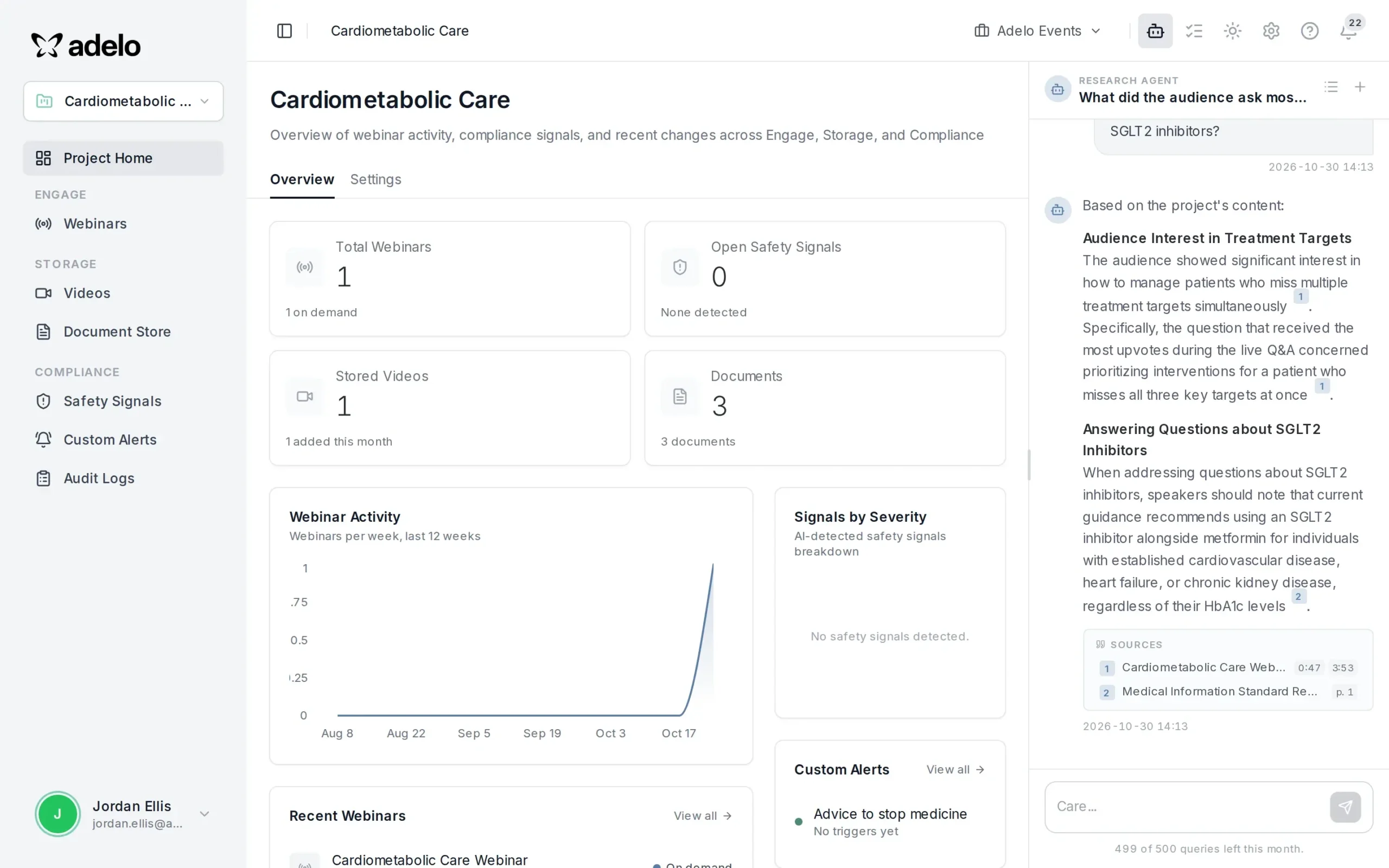
Ask your content anything
The Research Agent answers questions across all your webinars and documents, with sources, so insight is a question away rather than a week of analysis.
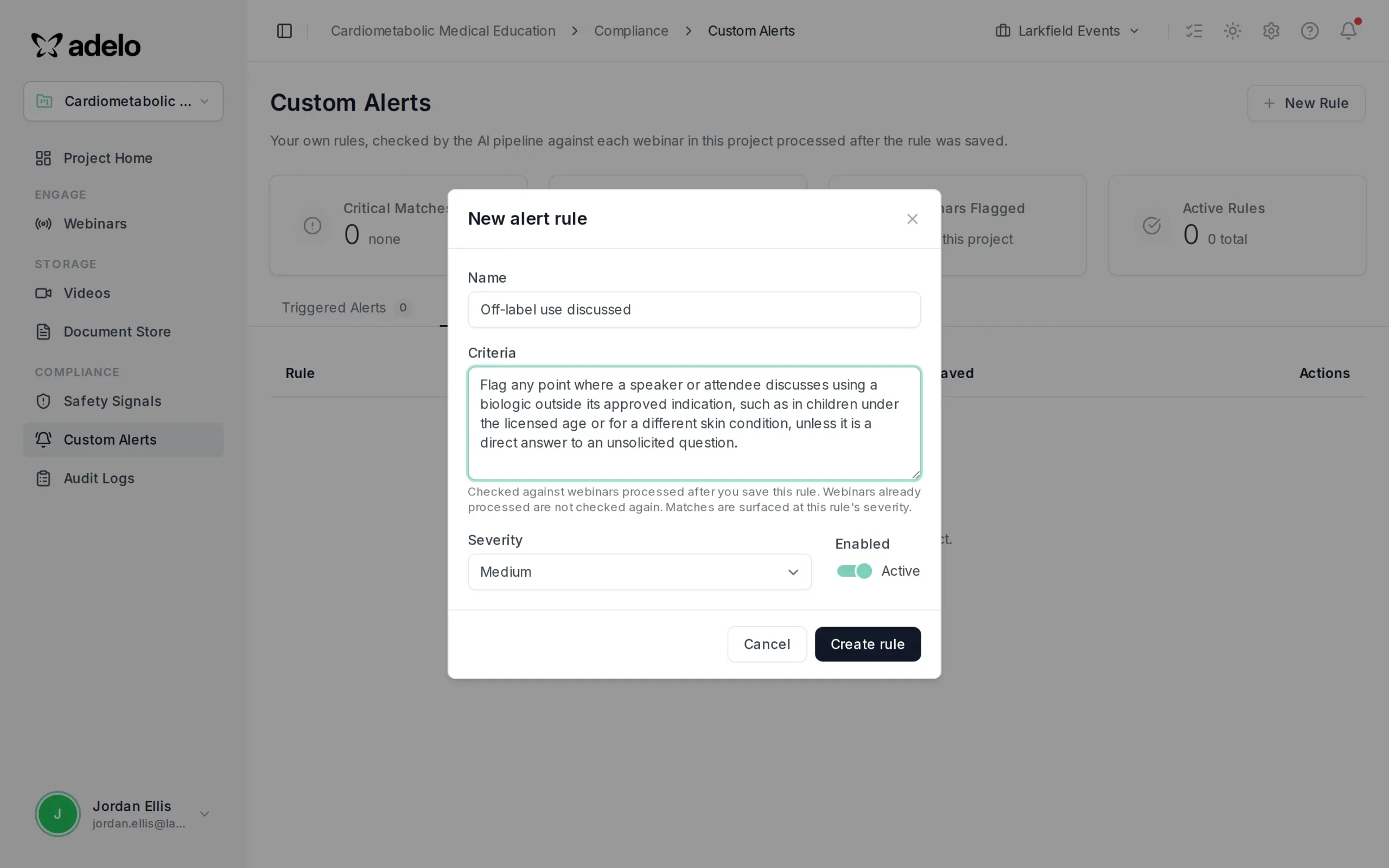
Compliance alerts you define
Write your own rules, such as off-label discussion, and AI checks every processed webinar against them so your team can review what matters.
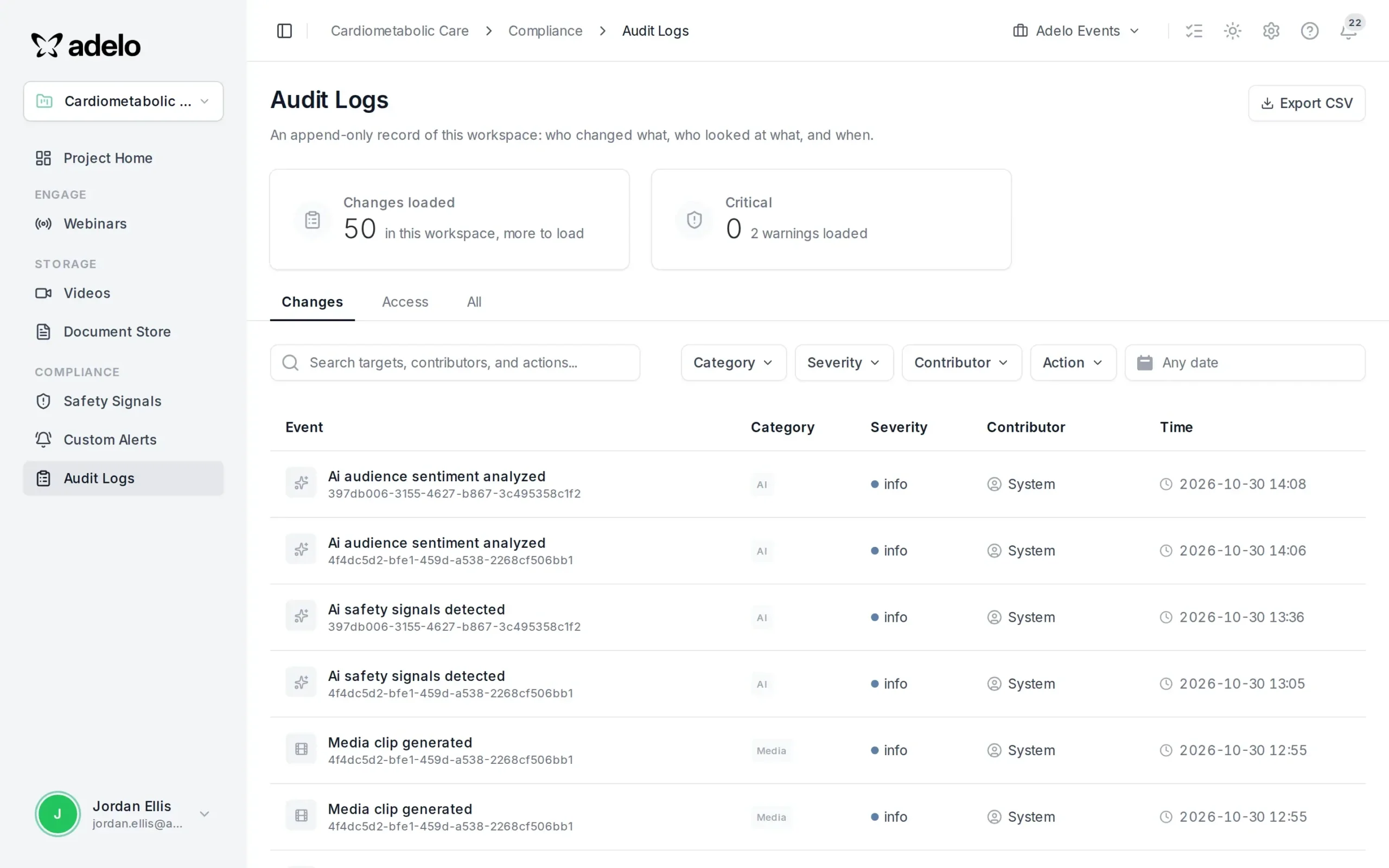
A complete audit trail
An append-only record of who changed what and when, exportable to CSV, to support governance and review.
A CLEARER WAY IN
See the platform in action
Book a live walkthrough with the team and see every capability in action.