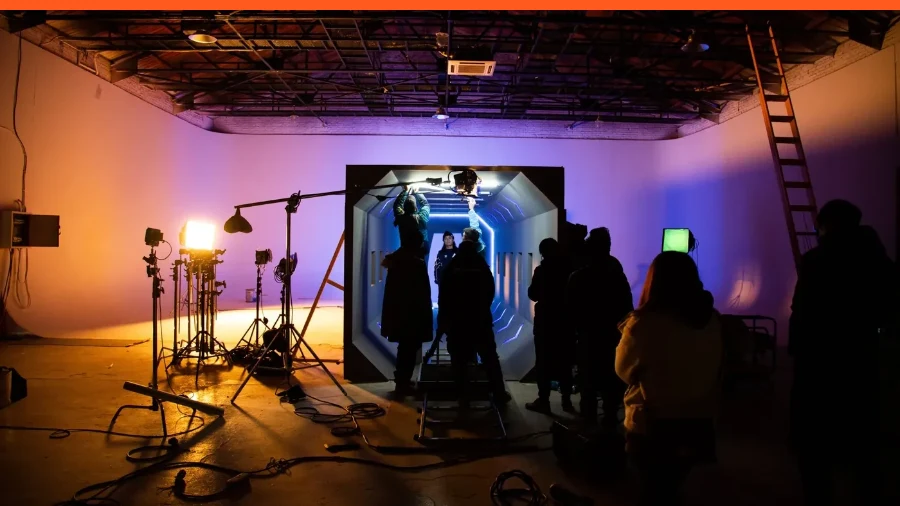
Your audience decides whether to trust you before you finish your first sentence. On a webinar, all they have to go on is your camera and your microphone. This guide shows how to make both work for you, drawing on what film sets, photo studios and broadcast television learned long ago.
The Adelo teamAdelo Guides
Published 3 November 2026
Seven fixes, a pre-flight check and the research behind each one
That matters more in health than almost anywhere else. When an expert is explaining new trial data, a change in guidance or the science behind a product, the audience is judging the message and the messenger at the same time. A muffled voice or a face in shadow looks amateur, and the research on audio quality suggests it also makes the content itself seem less credible.
We watch hundreds of expert sessions a year on Adelo, and the most common thing that lets experts down on video is how they come across before they have said anything of substance. Nearly every fix is cheap, quick and backed by research, and film crews, photographers and TV studios worked most of them out long ago.
Why first impressions on camera matter so much
Princeton psychologists Janine Willis and Alexander Todorov showed people unfamiliar faces for as little as 100 milliseconds.1 Their snap judgments of trustworthiness and competence lined up closely with judgments made with no time limit at all. Giving people longer mostly made them more confident in the view they'd already formed.
On a webinar, your first frame is that face. You don't get a handshake or a walk to the lectern to soften it. So everything below is about making that first tenth of a second, and the hour that follows, work for you.
Fig. 1What your audience sees
Three things decide the first frame
LIVE
Leave
123
01Eyes level with the lensCamera at eye height, about an arm's length away.
02Soft light from the frontThe face is the brightest thing in frame. Note the even skin and the catchlights.
03A little depth behind youA plant and a picture: real, tidy, a little out of focus.
1
Fix your sound before you touch your camera
If you only change one thing, change your audio. It is the single biggest lever on how credible you seem.
In a 2018 study in Science Communication, Eryn Newman and Norbert Schwarz played people identical conference talks and radio interviews.2 The only thing they changed was the audio quality. With poor sound, listeners rated the research as less important and the researcher as less intelligent and less likeable.
When the audio was poor, listeners rated the same research as less credible.
Newman and Schwarz, Science Communication, 2018
What to do
Use a proper microphone. A USB microphone or a wired headset with a boom mic beats any laptop's built-in mic. Distance from your mouth matters more than price.
Kill the echo, because hard, empty rooms bounce sound around. Curtains, a rug, a sofa or a full bookcase soak it up.
Plug in with an ethernet cable if you can. A shaky connection sounds like a broken voice.
Listen back. Record 30 seconds on the platform you'll use and play it back on headphones.
2
Raise the camera to eye level and sit back
A laptop on a desk films you from below. Your audience looks up your nose, sees the ceiling and feels talked down to. Lift the camera to eye level on a stand or a stack of books, as the LSE's filming guidance recommends.3 Portrait photographers go one step further and often shoot from fractionally above eye level, which flatters the jaw. Never shoot from below.
What photographers know about distance
Webcams use wide-angle lenses, and a wide lens close to a face exaggerates whatever is nearest to it. A 2018 study from Rutgers, led by facial plastic surgeon Boris Paskhover and published in JAMA Facial Plastic Surgery, found a photo taken 12 inches from the face made the nose look about 30% wider than one taken from five feet.4 That's why portrait photographers step back and use longer lenses. On a webinar, sit about an arm's length from the camera and let the frame do the rest.
Where to look on a video call
In a room, eye contact is the strongest signal that you're talking to someone rather than at them. On video you only get it by looking at the lens. At Stanford, Milton Chen found we barely notice when someone looks slightly below our eyes, but we spot it quickly when they look above or to the side.5 A 2024 study by Gao and colleagues found viewers felt most looked-at when the speaker's gaze sat about two degrees below the lens.6 At a normal desk distance, that's about 2 cm.
Fig. 2Side and front view
Where the camera and your notes should sit
Sources: Chen, CHI 2002 · Gao et al., 2024 · LSE filming guidelines
100ms
for a stranger to judge whether you're trustworthy
2°
below the lens is where eye contact feels strongest
30%
wider nose in a photo taken 12 inches away
167
people rated faces against six video-call backgrounds
3
Light your face like a film set
A camera can only show what the light gives it. The most common mistake we see is an expert sitting with a bright window behind them. The camera exposes for the window and turns the most important person in the session into a silhouette.
Turn your desk around if you can, and face the window, or sit with it slightly to one side. Soft daylight from the front is the most flattering light you'll get for free, and it is exactly what EULAR advises its own speakers.7
Borrow three-point lighting from film
Film and TV crews light faces with three sources.8 A key light is the main, soft light in front of you. A fill light on the other side softens the shadows. A back light behind you, often called a hair light, draws a thin edge around your head and separates you from the background. At home, your window or LED panel is the key, a white wall or a second lamp is the fill, and a lamp behind you does the job of the back light.
Fig. 3Seen from above
Light in front of you, lens at eye level
Sources: EULAR speaker guidance · JBI guide to filming at home
4
Choose a background that earns trust
In a 2023 study in PLOS ONE, Durham University researchers Cook, Thompson and Ross showed 167 people the same faces against six video-call backgrounds.9 Faces in front of a bookcase or houseplants were rated the most trustworthy and the most competent. A living room and a novelty image came out worst.
Best: a bookcase, a plant, or a plain wall with a little depth behind you.
Declutter ruthlessly. If it doesn't help your message, move it out of shot.
Check for anything confidential. In health, a whiteboard or a screen in shot can mean patient or client information.
Leave a little space above your head, and keep your eyes about a third of the way down the frame.
5
Dress for the camera
Broadcast stylists have worked out what reads well on a screen.10 The rules are simple and they apply just as much to a webinar.
Choose solid, mid-tone colors. Blues, greens, burgundy and soft greys look good on almost everyone and on almost any camera.
Avoid fine stripes and small checks. They can shimmer on camera, an effect called moiré, and pull attention away from your face.
Skip pure white and pure black. The camera struggles to expose for both, so you end up looking washed out or lost in shadow.
Mind the shine. TV makeup artists use a little translucent powder to take the shine off foreheads and noses under lights. It works for everyone.
Keep jewelry quiet. Anything that catches the light or clinks near the microphone becomes a distraction.
6
Turn your presence up a notch
Video strips out much of what makes a speaker compelling in a room. Stanford's Jeremy Bailenson calls this "nonverbal overload": on video we have to work harder to send and read cues.11 Actors learn to make their expressions a little bigger for the camera than they would on stage, and the same is true for you.
Smile as you open. In the Durham study, smiling faces were rated more trustworthy and more competent whatever was behind them.
Keep your hands in shot. Gesture between chest and shoulder height, where the camera can see it.
Vary your pace and pitch. Slow down for the one number you want people to remember, then pause.
Hide your self-view once you're framed. Fauville and colleagues found "mirror anxiety" was one of the strongest drivers of video fatigue.12
7
Design slides that support you
Richard Mayer's research on multimedia learning found people understand an explanation better from graphics plus narration than from graphics, narration and the same words on screen.13 Put one idea on each slide, show the evidence, and say the rest out loud. Then come back to full camera for the opening, the key message and the Q&A.
Your 10-minute pre-flight check
Run this before every session, including the tenth. The room, the light and the Wi-Fi all change from one day to the next.
Fig. 4In Adelo · before you join
Check the picture and the sound before anyone else can see you
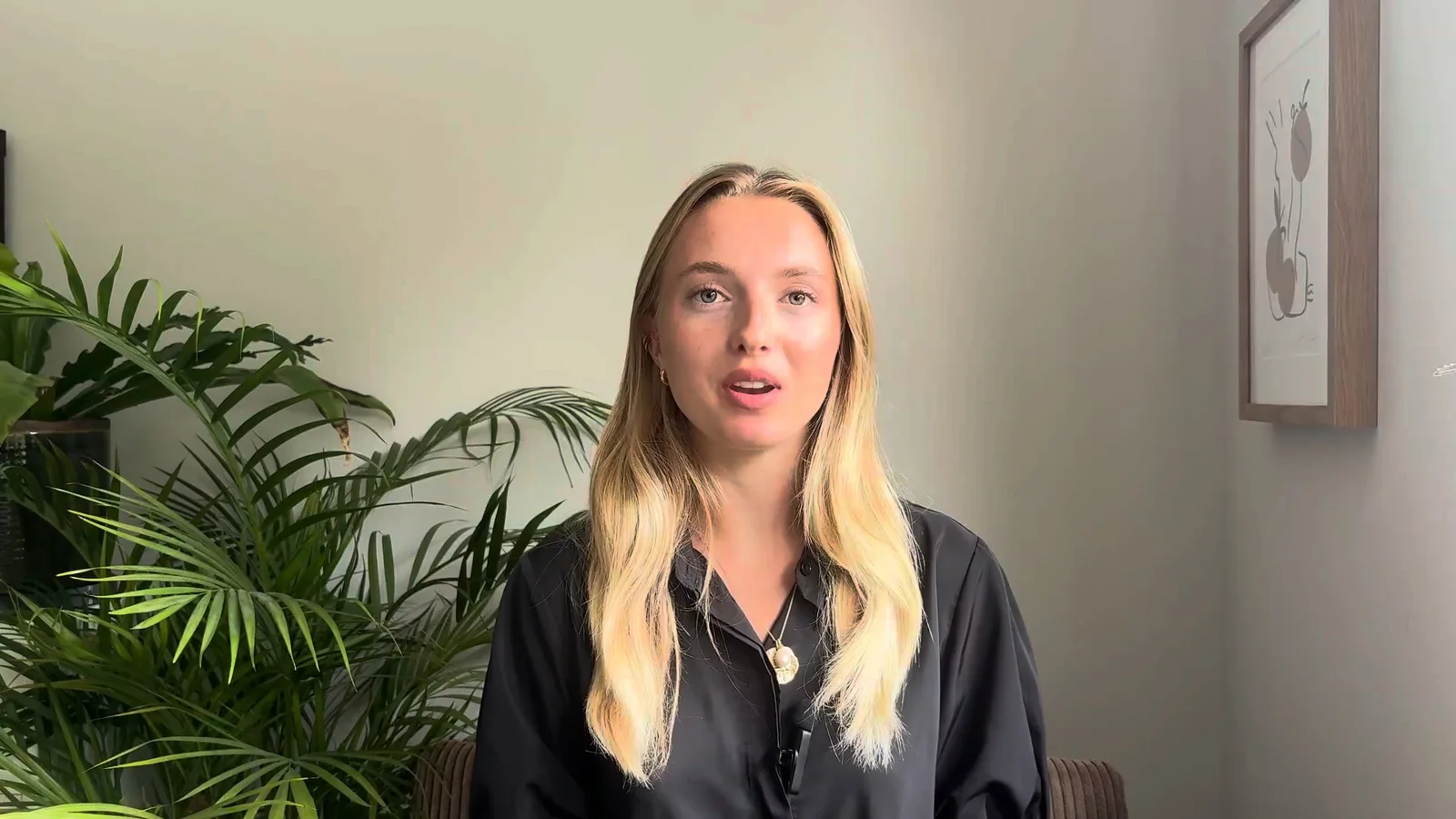
Real Adelo screen · the pre-join check, with Ruby on camera
Pre-flight checkAdelo Guides · 01 · Tick as you go
The day before
Thirty minutes before
At go-live
Get these right and you remove every reason for your audience to doubt you that has nothing to do with your expertise. Then the only thing they're judging is what you know.
Fix your audio first, then raise the camera to eye level about an arm's length away, face a window or soft light, choose a tidy real background and wear solid mid-tone colors. Look just below the lens, even though the faces on screen will pull your eyes down.
Where should I look during a webinar?
Look about 2 cm below the camera lens. Research on eye contact shows people feel most looked-at when your gaze sits just under the lens. Put your notes or the questions window directly under the camera.
What is the best lighting for a webinar?
Soft light from in front of you, such as a window or an LED panel just behind the camera. Never sit with a bright window behind you. Film crews add a small light behind or to the side to separate you from the background.
What should I wear on camera?
Solid, mid-tone colors such as blue, green or burgundy. Avoid fine stripes and small checks, which can shimmer on camera, and avoid pure white or pure black, which confuse the camera's exposure.
Do you need a studio to look good on a webinar?
No. A window in front of you, a camera at eye level an arm's length away, a tidy real background and a clip-on or USB microphone cover almost everything. A studio gives you more control over light and sound, but on its own it won't make you more credible. The presenter on the cover of this guide is at a desk by a window.
Why does my face look distorted on video calls?
Being very close to a wide-angle webcam exaggerates whatever is nearest the lens, usually your nose. Sit about an arm's length away so your face looks natural.
Adelo Guides are written by the Adelo team, the professional video event platform for health. They draw on the sessions pharma, agency and consumer health teams run on Adelo every week, and on the research cited in each guide.






 Adelo Guides